Step 1 - Login to the platform
Step 2 - Click on Campaigns
Step 3 - Click on New Campaign
Step 4 - Click on Triggered Campaign – Get Started
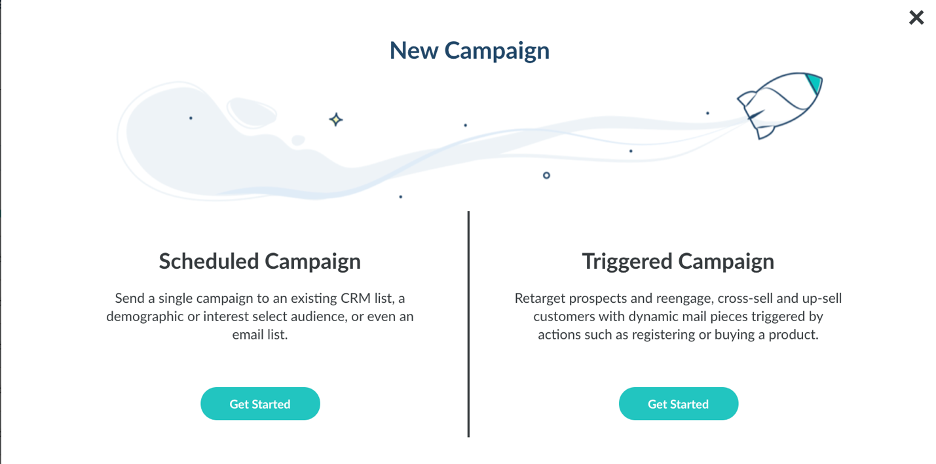
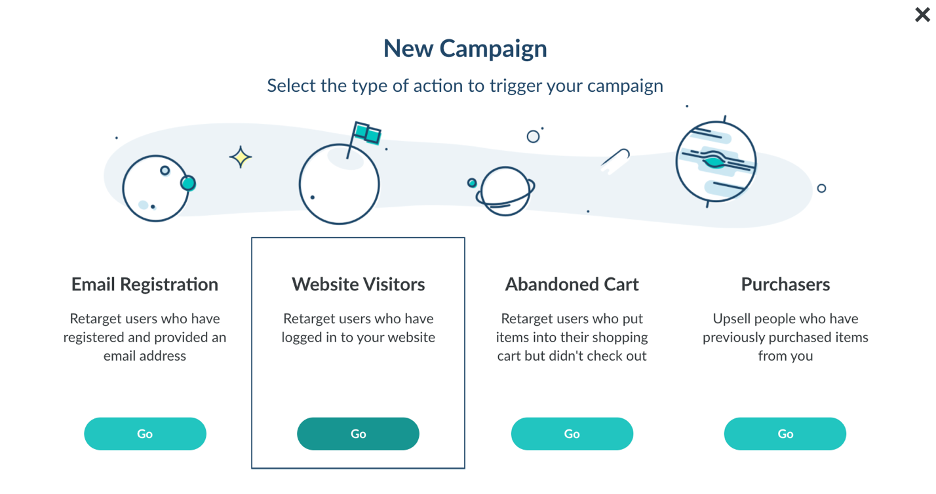
Step 5 - Click on Email, Website Visitor, Abandoned Cart, or Purchasers depending on preference
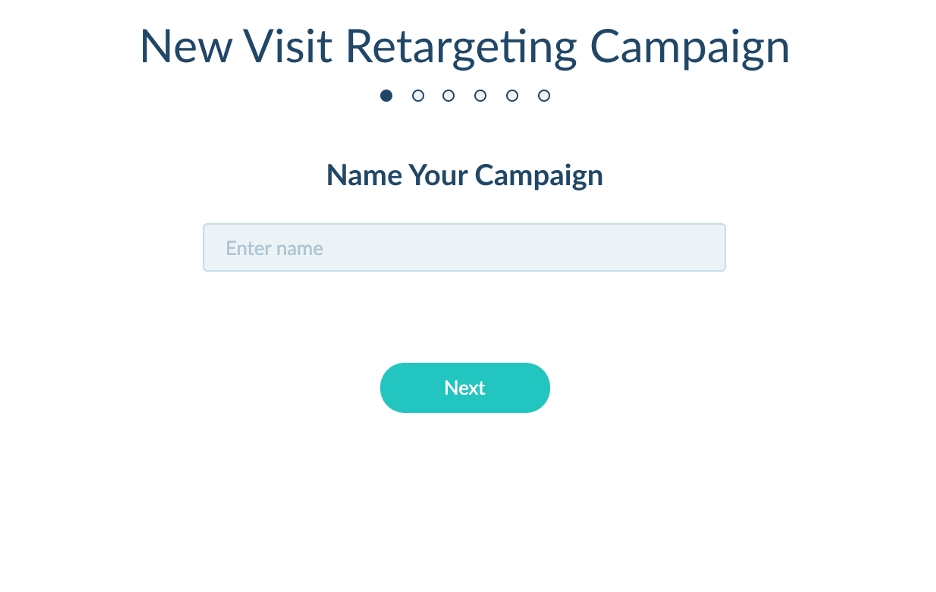
Step 6 - Name your Campaign
- Format ex: Client Name – Size – Tactic – Segment – Date
- Amazon – 4.25x6 – Retargeting Trigger – Visitor – 031220
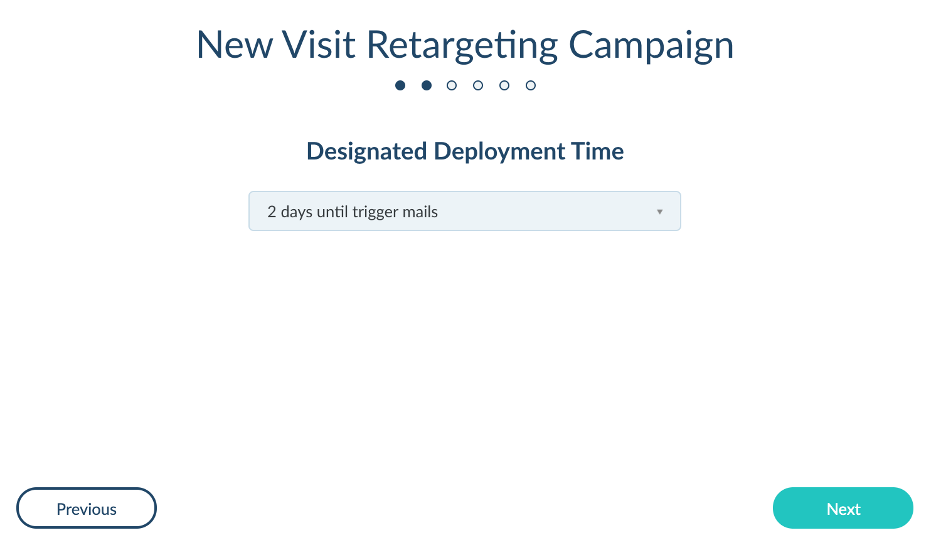
Step 7 - Choose your Designated Deployment Time (24 – 48 hours is standard)
Step 8 - Select Filters
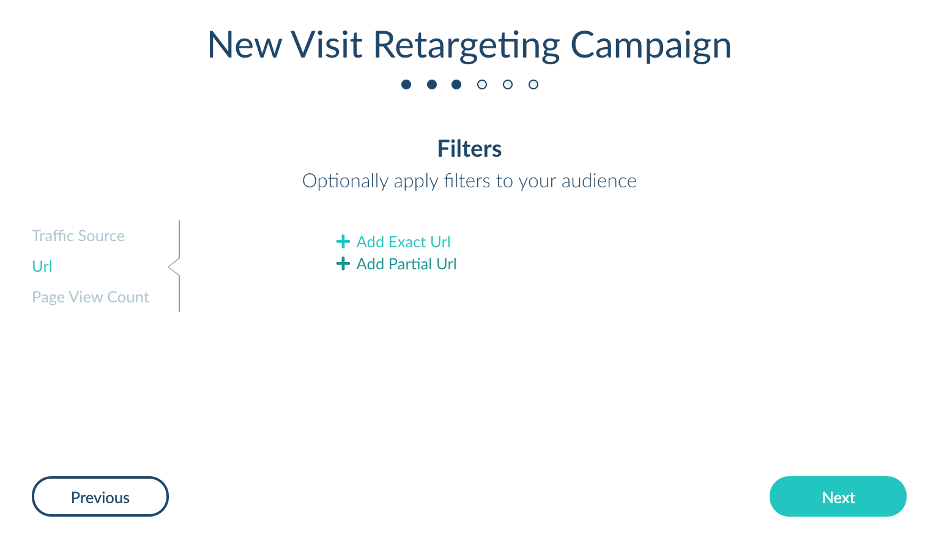
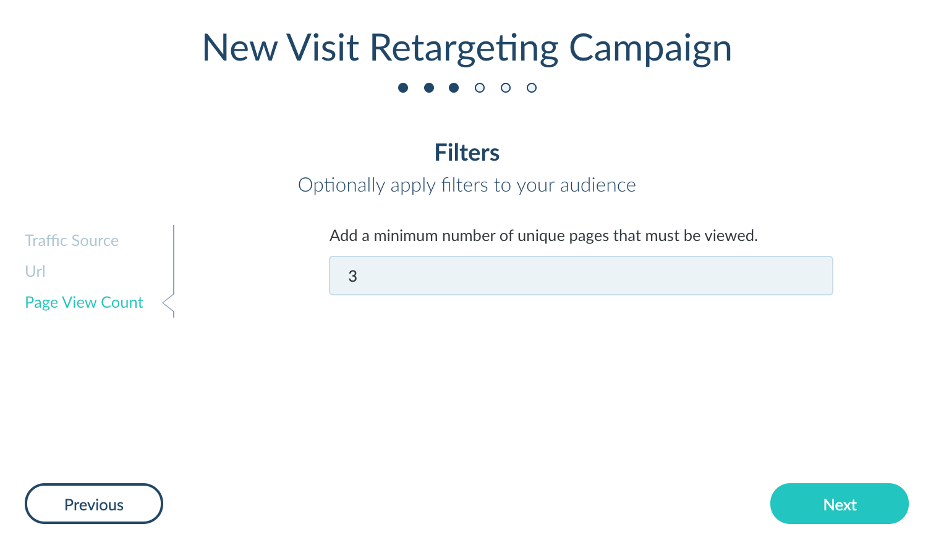
Step 9 - You can target specific URLs, require a number of pages visited, or traffic source
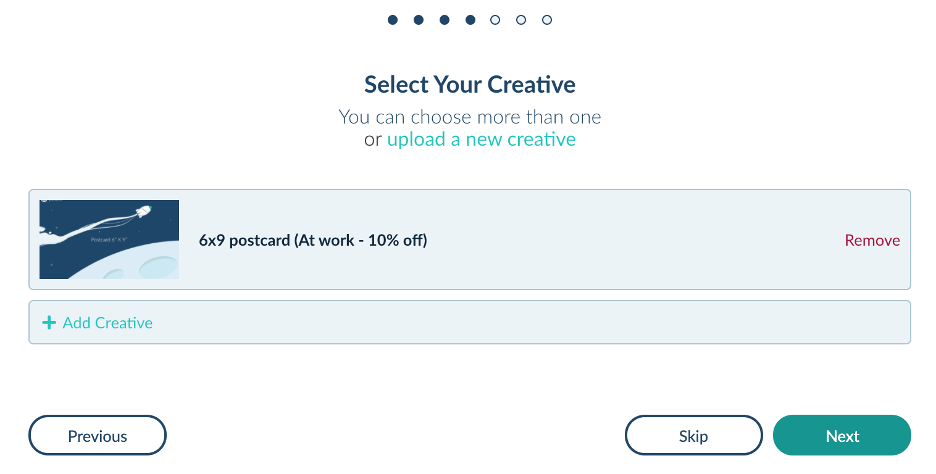
Step 10 - Add Creative
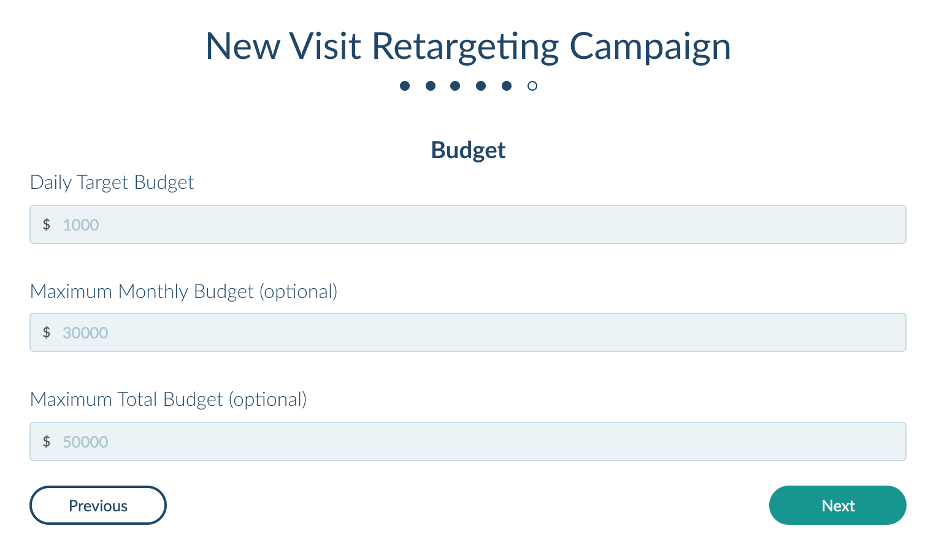
Step 11 - Type in Daily and Monthly Budget Caps
- Format ex: DAILY - $500/day MONTHLY - $16,000/month
Step 12 - Confirm details and check the box for “I agree with Terms and Conditions.”
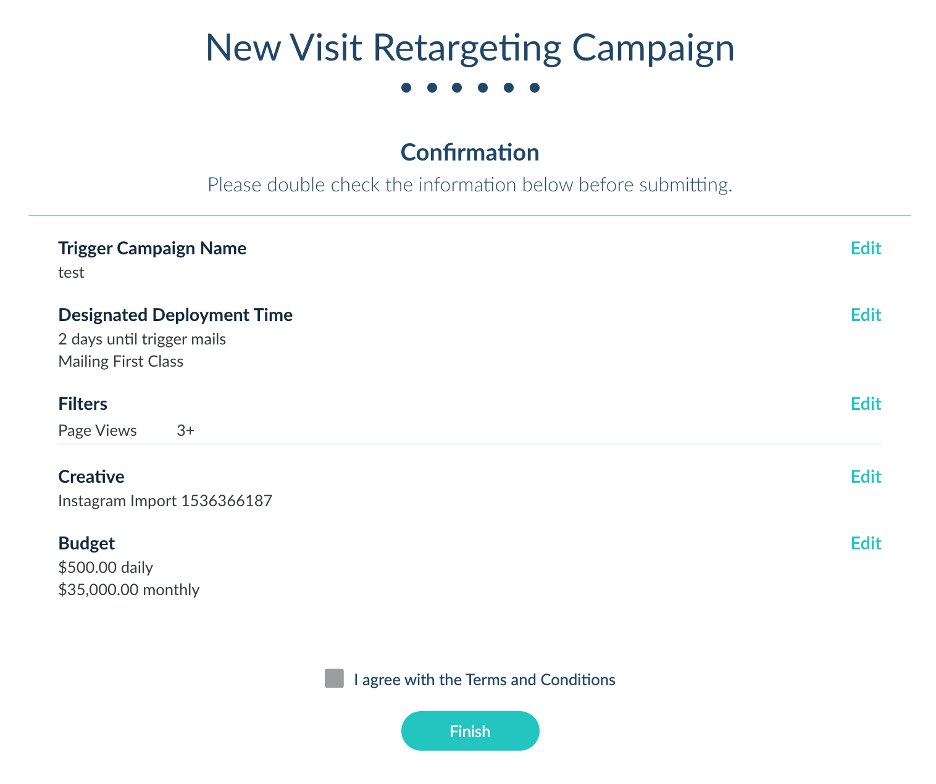
Step 13 - Click Finish
Step 14 - Email Postie account manager to let them know campaign has been finalized