OVERVIEW
As with all marketing, audience targeting is one of the major factors of ensuring that your creative is being seen by the correct prospective customer or lead. Direct mail is one of the only marketing channels offline or online that allows you to target down to the correct prospective customer rather than the overarching household level. In this video we will show you how to upload your exclusion or suppression file.
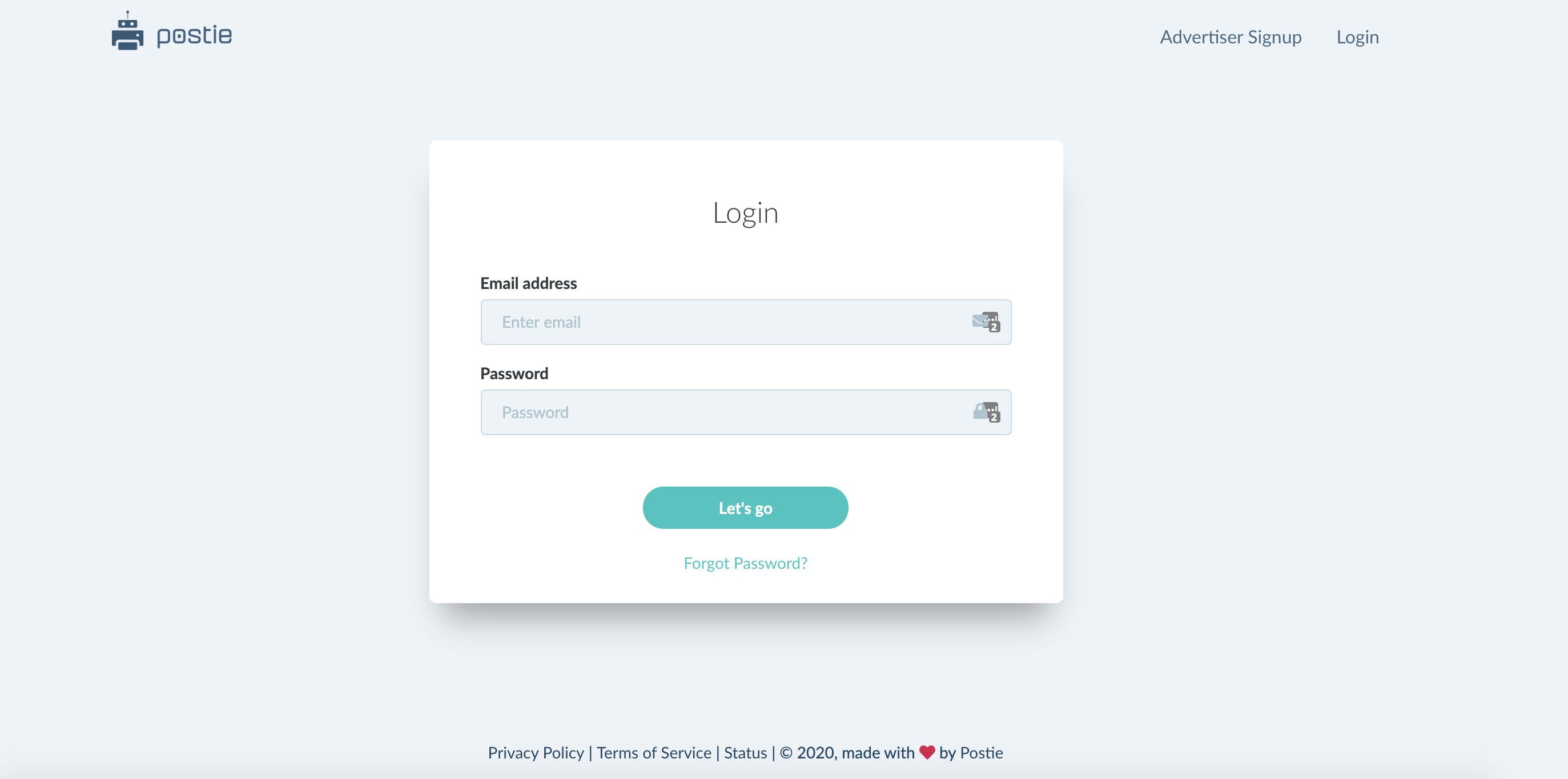
Step 1: Log-in to the Postie platform
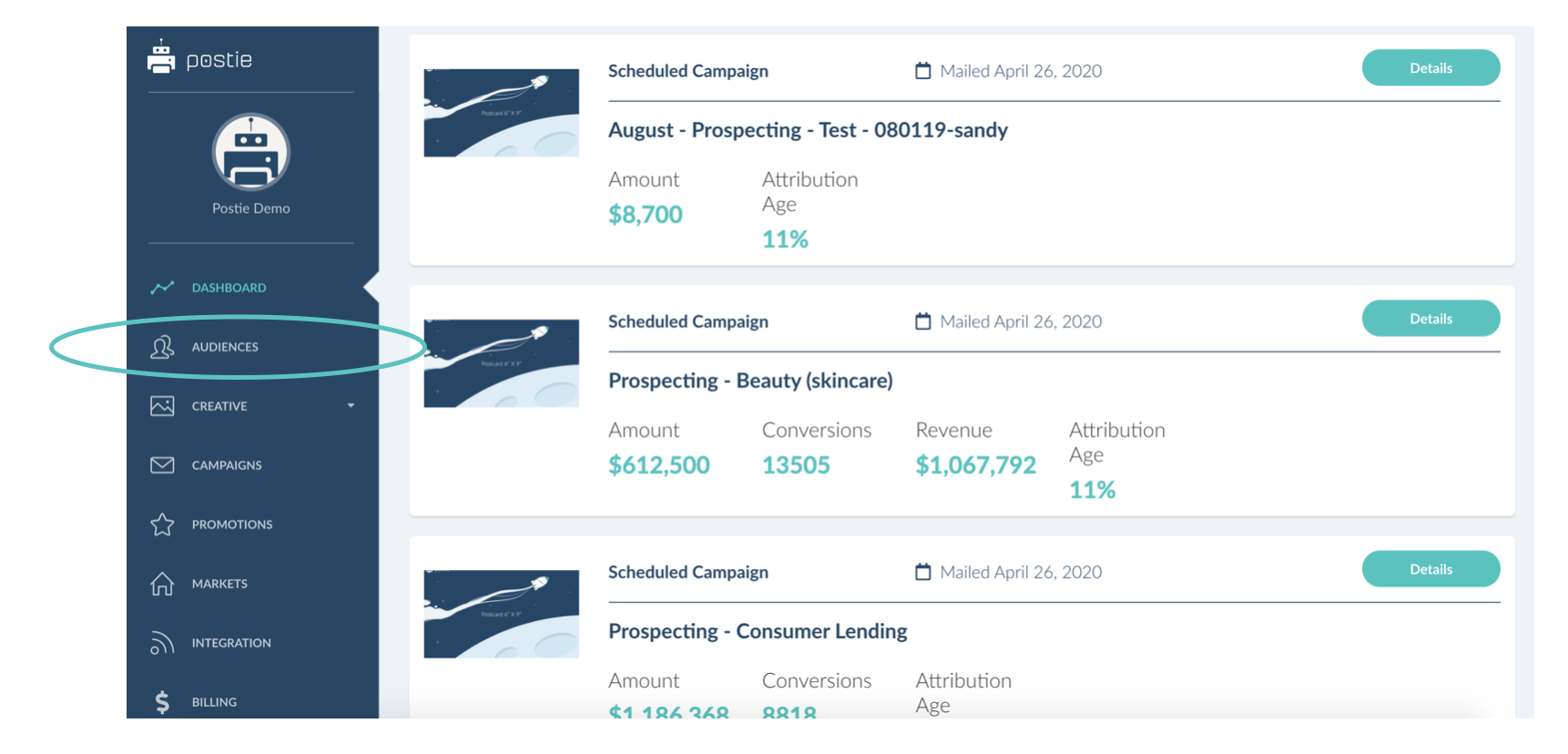
Step 2: Select “Audiences” in the left navigation
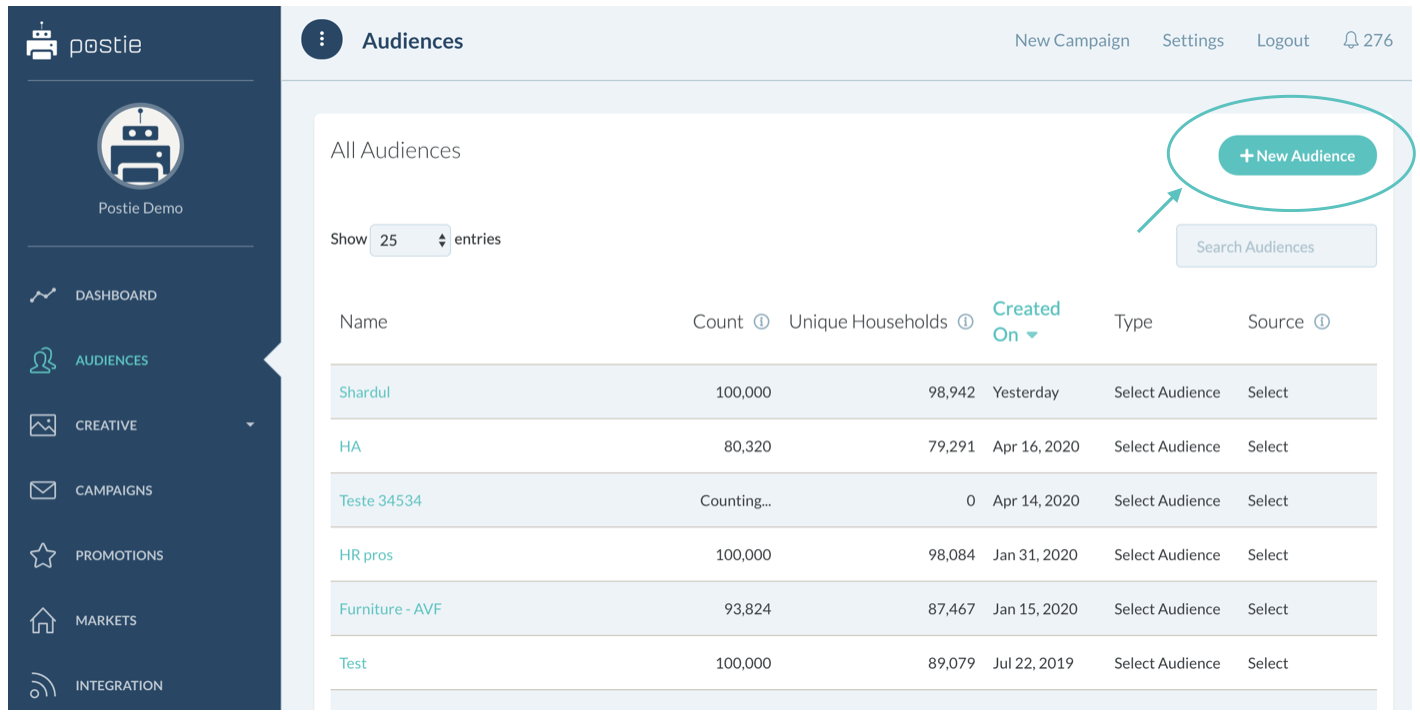
Step 3: Choose "New Audience" in the top right corner
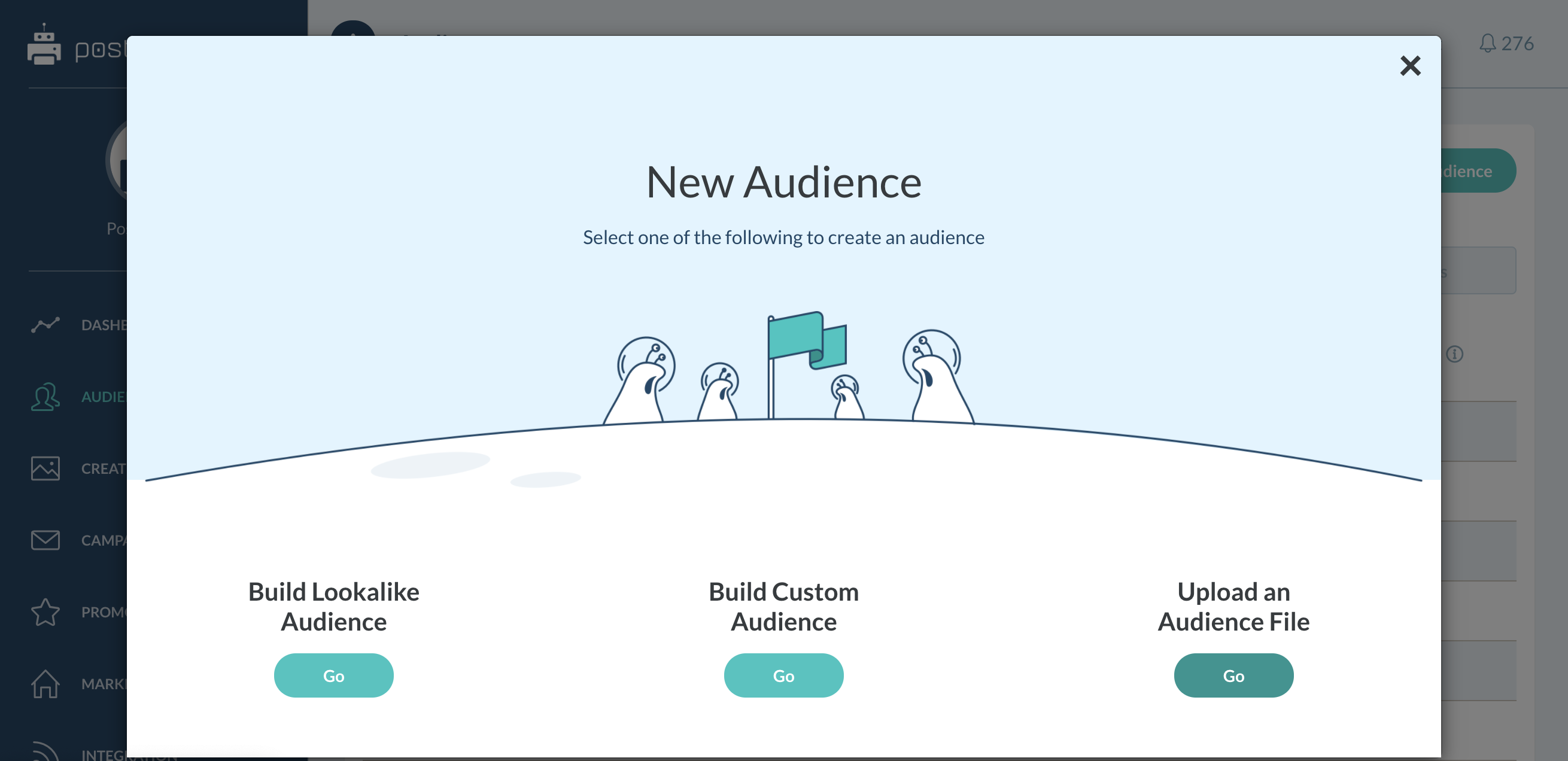
Step 4: Choose “Upload an Audience File”
Step 5: Choose the exclusion list from your computer
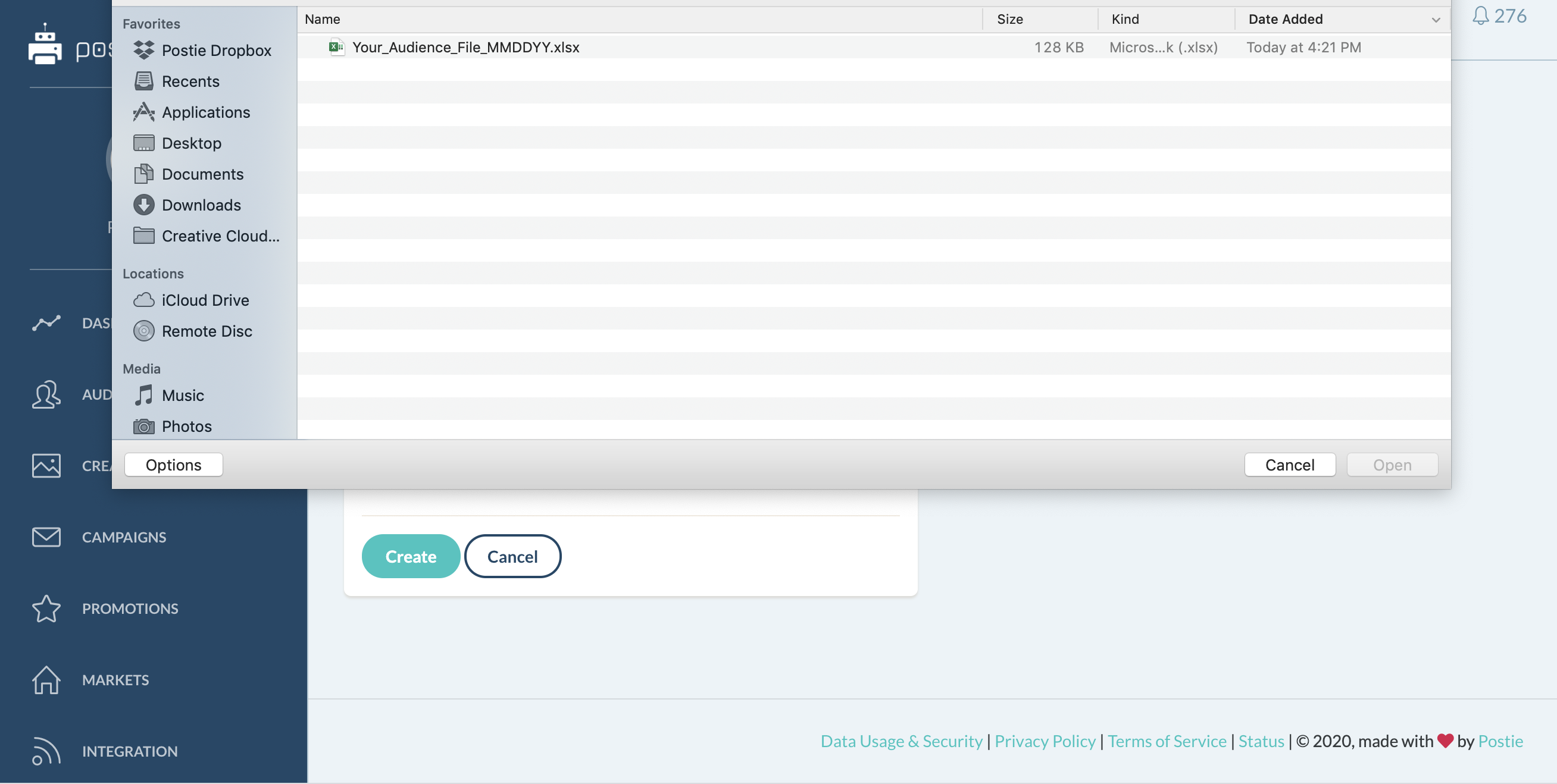
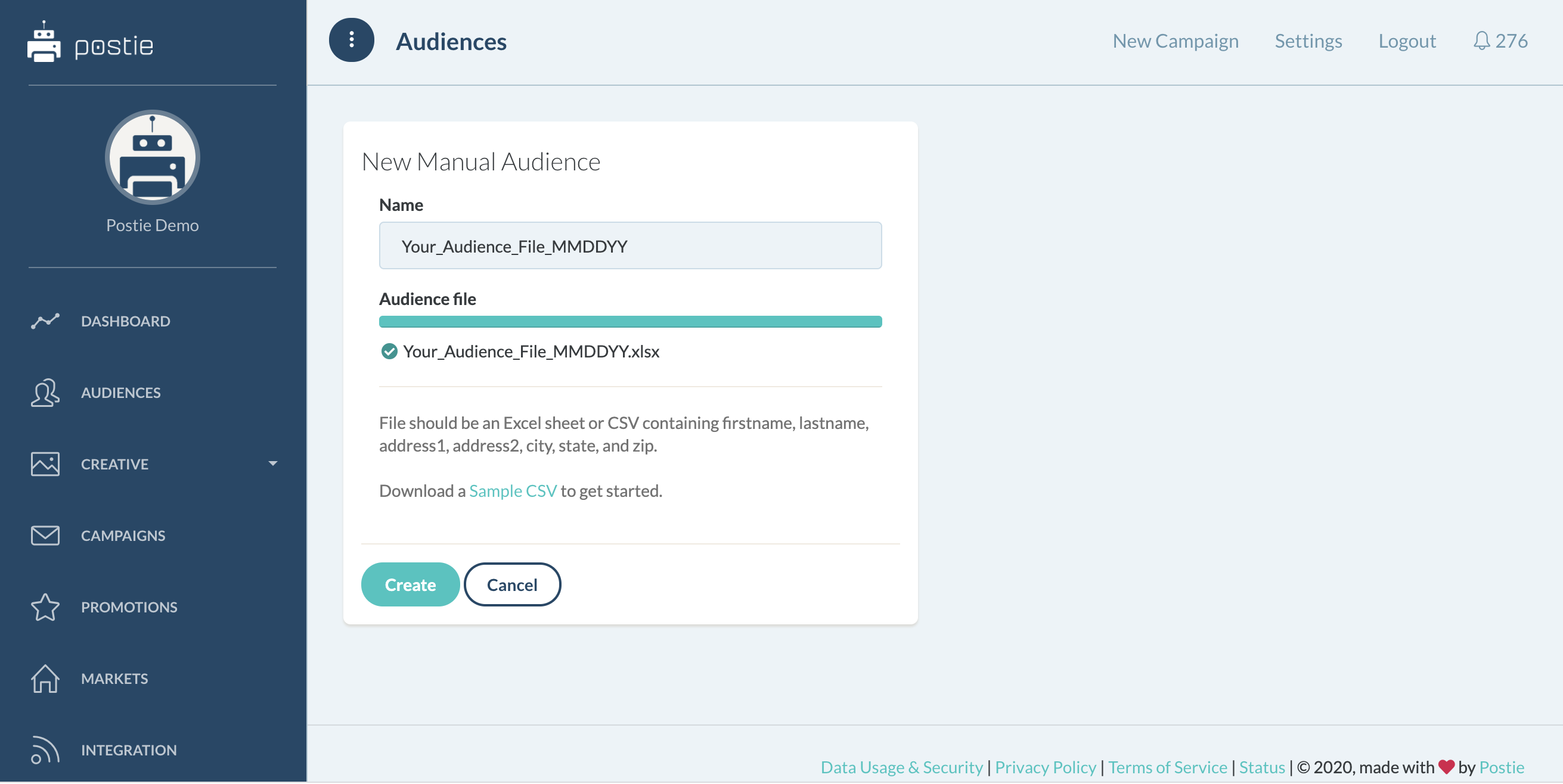
Step 6: Name your file appropriately following the nomenclature that your business uses. Then click create.
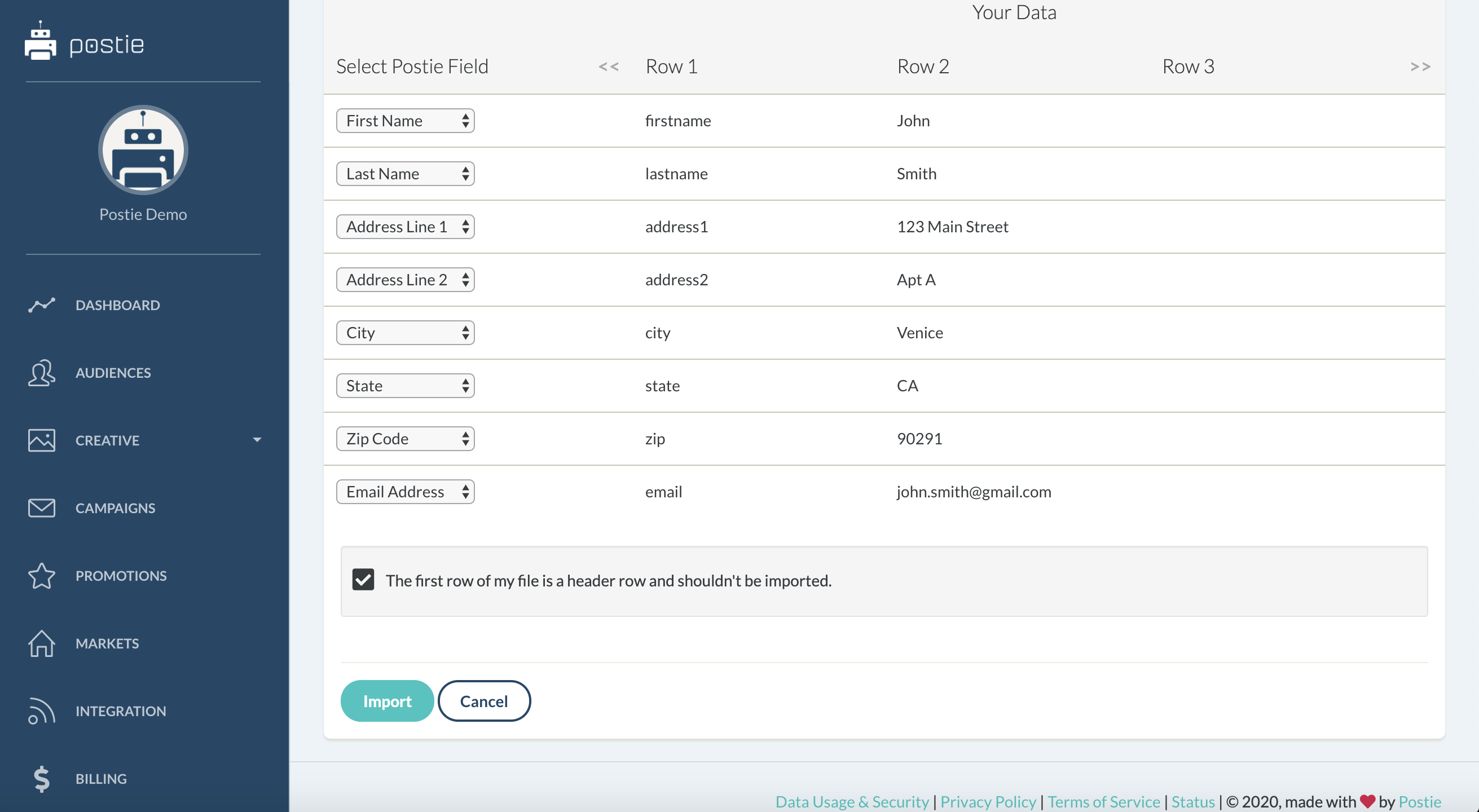
Step 7: Map your columns to the respective areas within the platform: first name to first name, last name to last name, so on and so forth. This allows for a seamless and automated CASSing and validating with the USPS. Once this is finalized, click import.
You have now successfully uploaded your exclusion file. Within 10 to 15 minutes, this file should be ready to be used for any and all campaigns that you would like to apply it to.