In the steps below you will be given the tools to be able to utilize any service that our interface allows.
In this video you’ll learn how to create and manage your exclusion list of customers or recipients who have requested to no longer receive Direct Mail pieces from you.
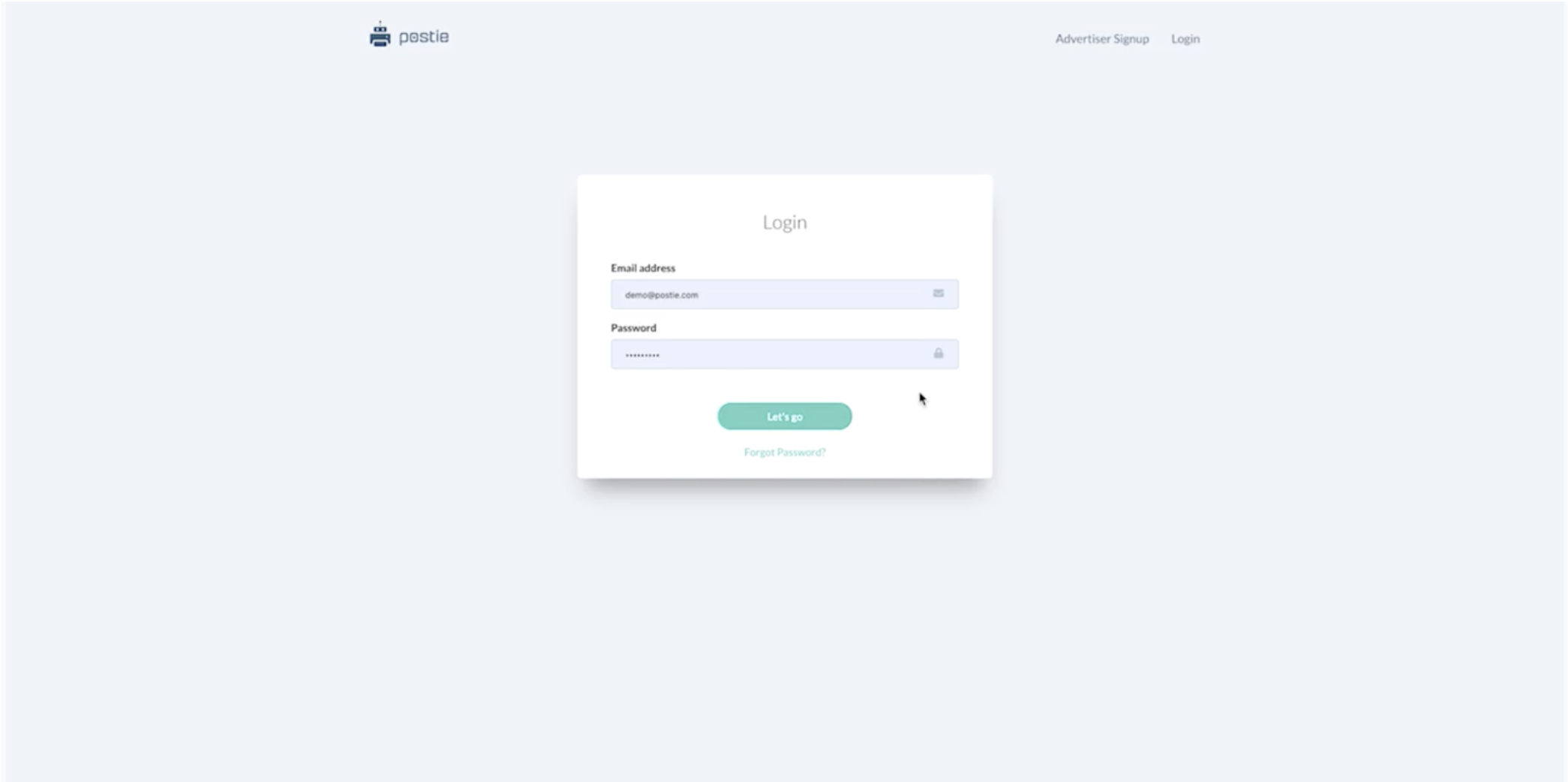
Step 1 - Login to the Postie Platform
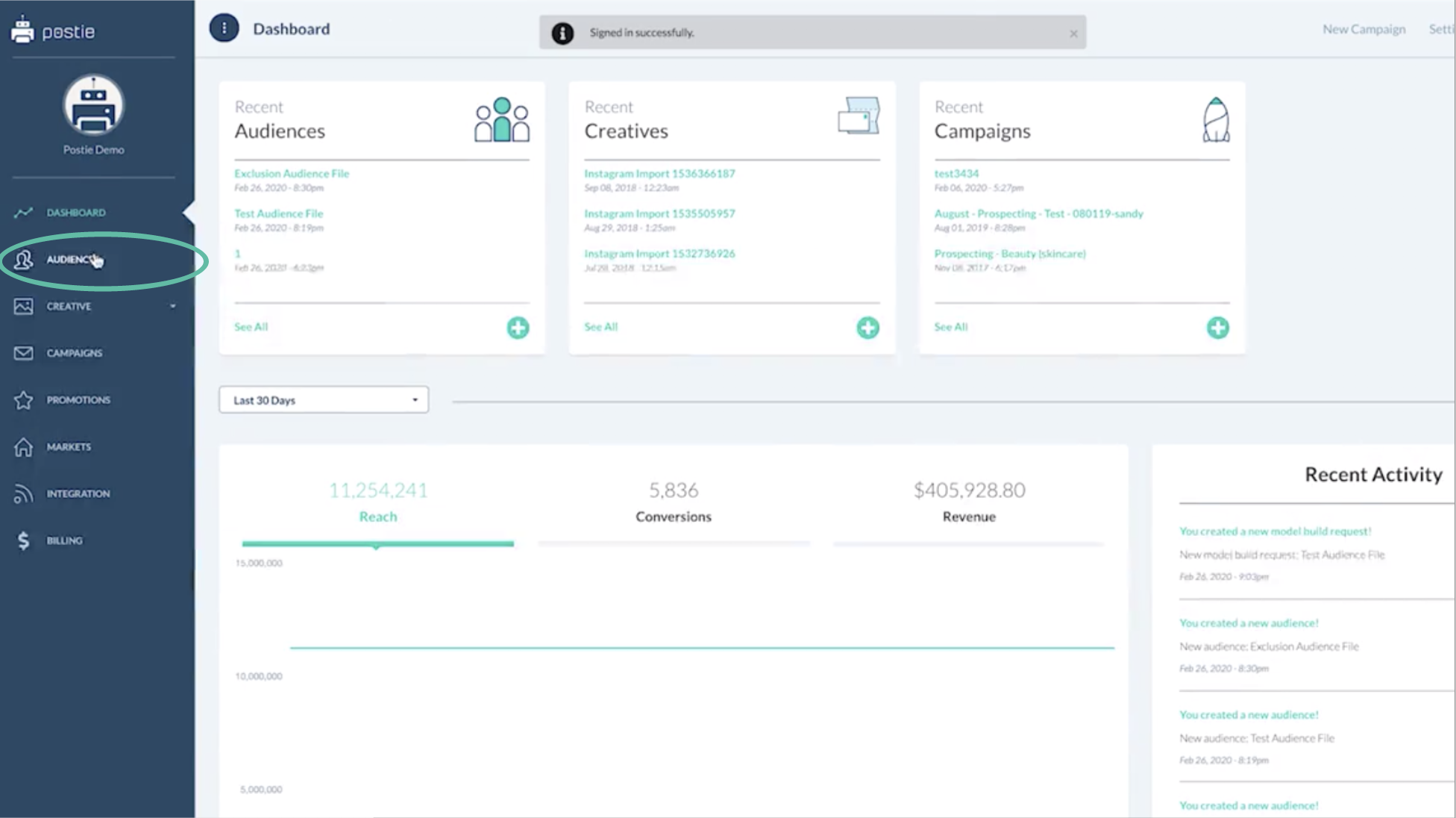
Step 2 - Select Audiences from the Left Nav
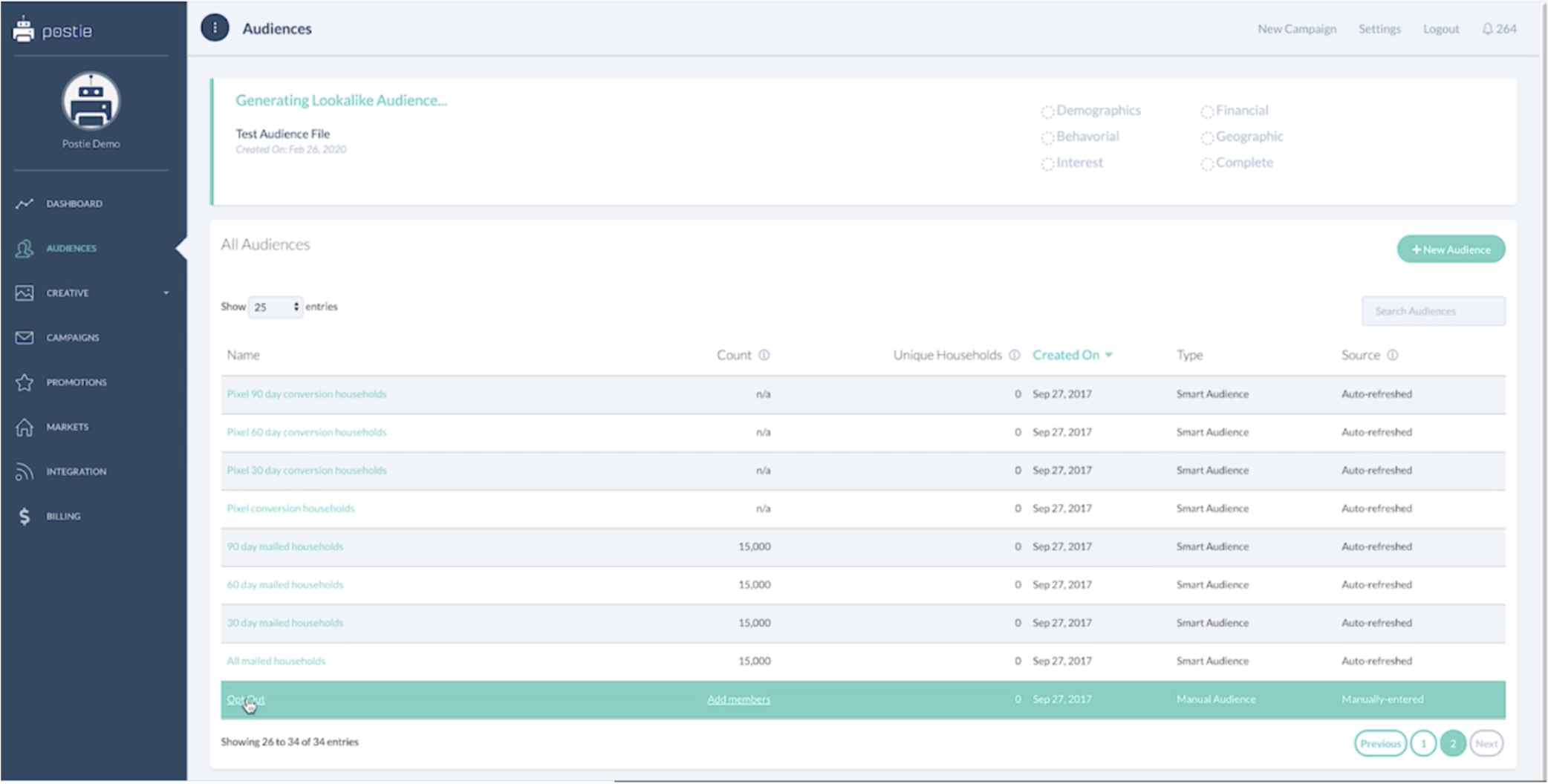
Step 3 - Scroll Down to find Opt Out
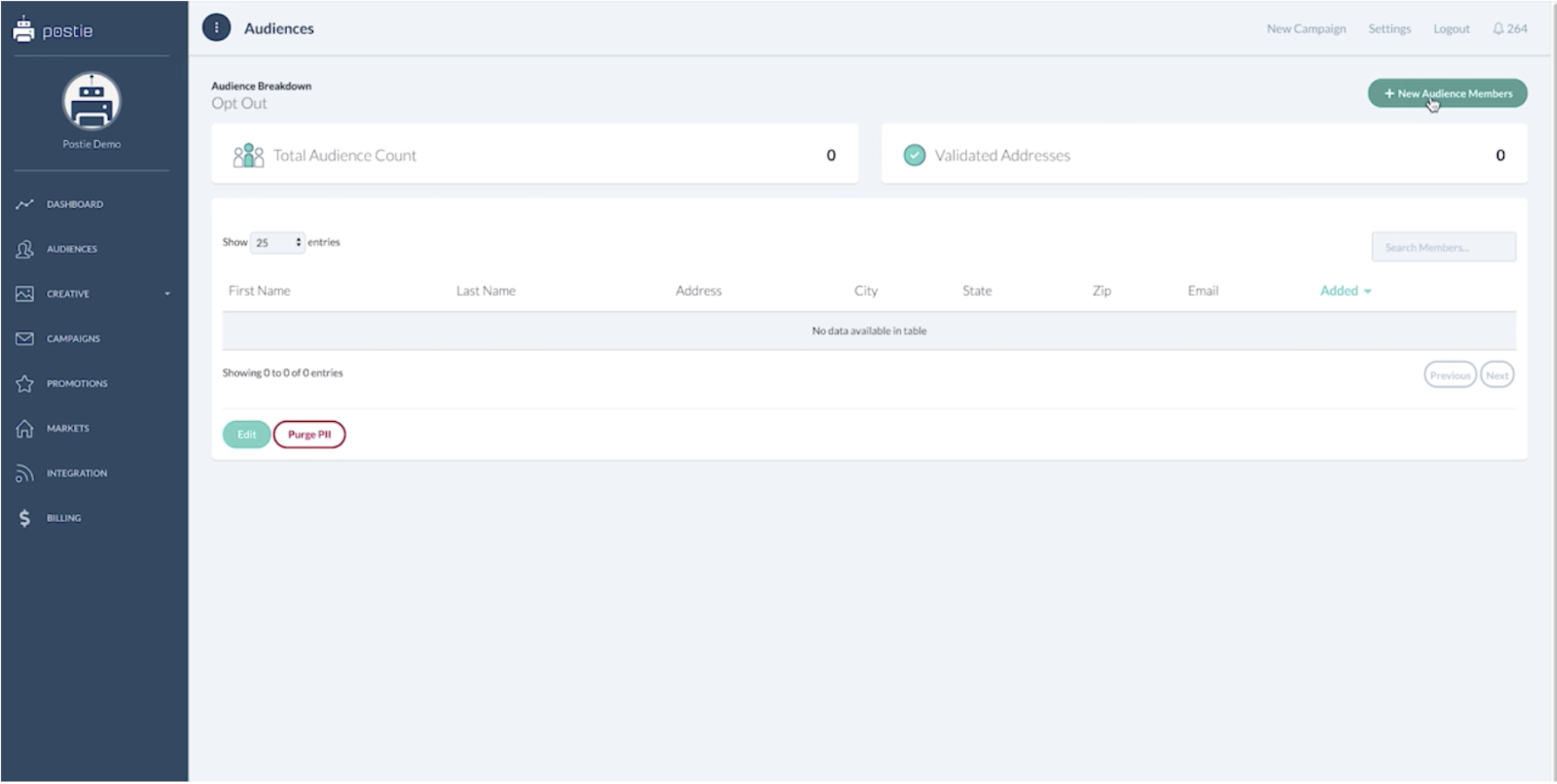
Step 4 - Add New Audience Member
Step 5 - Enter the Data for the Individuals
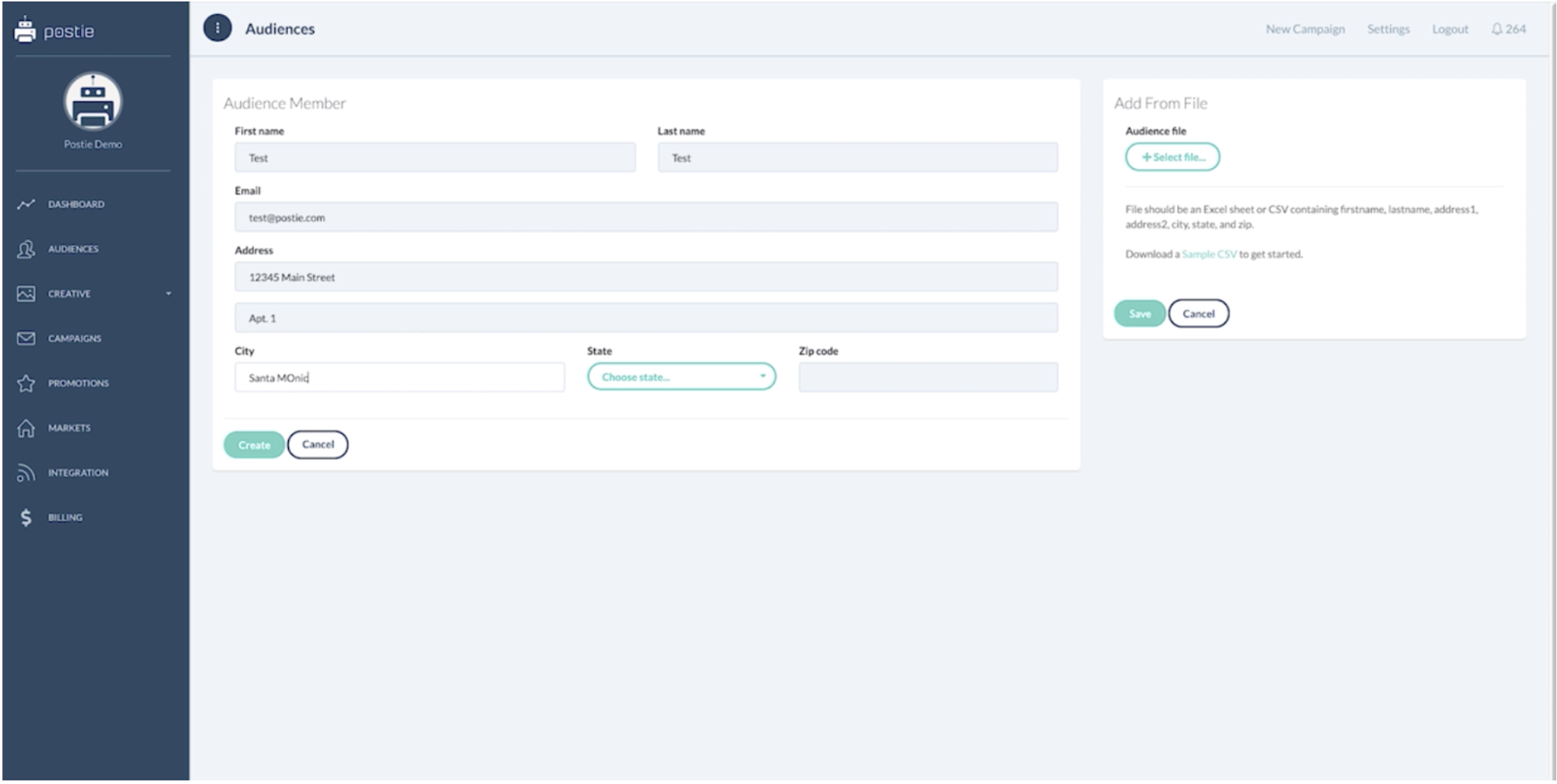
- This is where you will type in the person that wants to be opted out.
- First name, last name, email which is optional.
- We really need address one, address two if applicable, city, state, and zip.
- Once all the data is entered press Create
Step 6 - Bulk file Opt-out
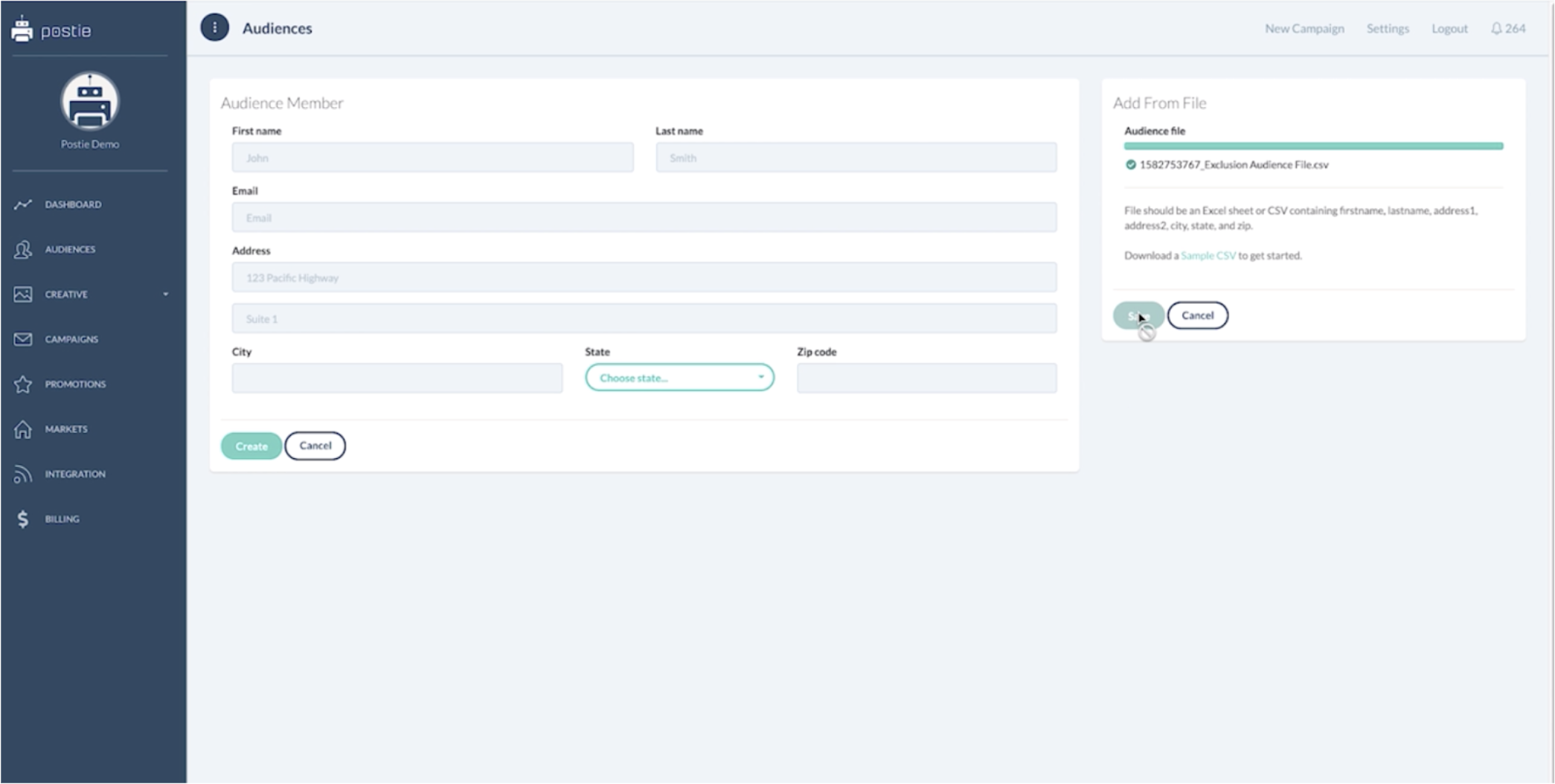
- Just select the file from your computer and click save.
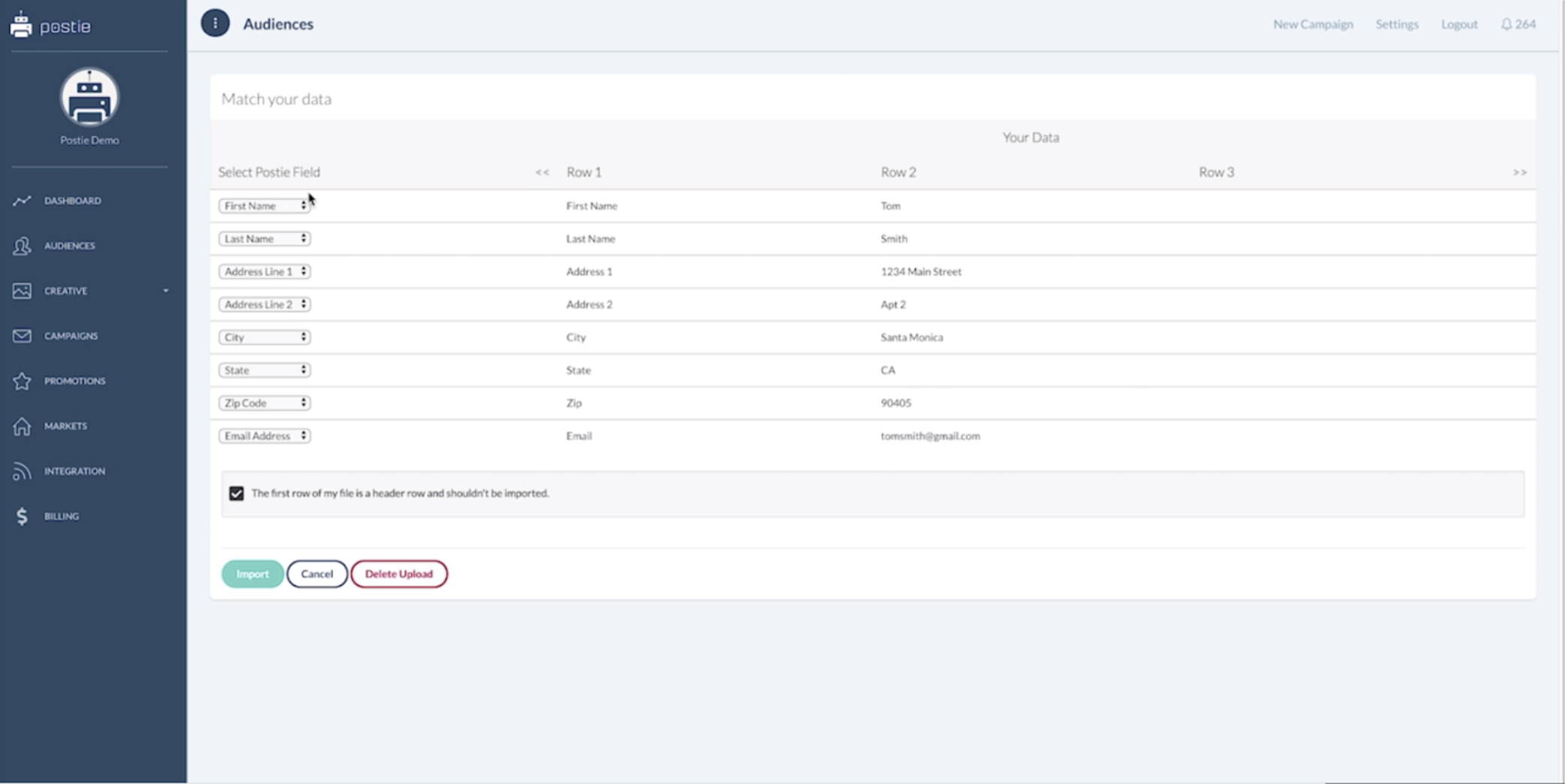
- You will need to work through the mapping process, mapping each column to the respective drop-down box.
- Once complete, Click import.
You have successfully uploaded and created your first opt-out list. This list will automatically get applied to any and all campaigns moving forward.