OVERVIEW
As with all marketing, audience targeting is one of the major factors of ensuring that your creative is being seen by the correct prospective customer or lead. Direct Mail is one of the only marketing channels offline or online that allows you to target down to the correct prospective customer rather than the overarching household level.
Using your CRM data, Postie can unlock various capabilities, from building a lookalike model, to using that audience as an exclusionary audience, to sending that audience as a classic CRM campaign.
Step 1: Log-in to the Postie platform
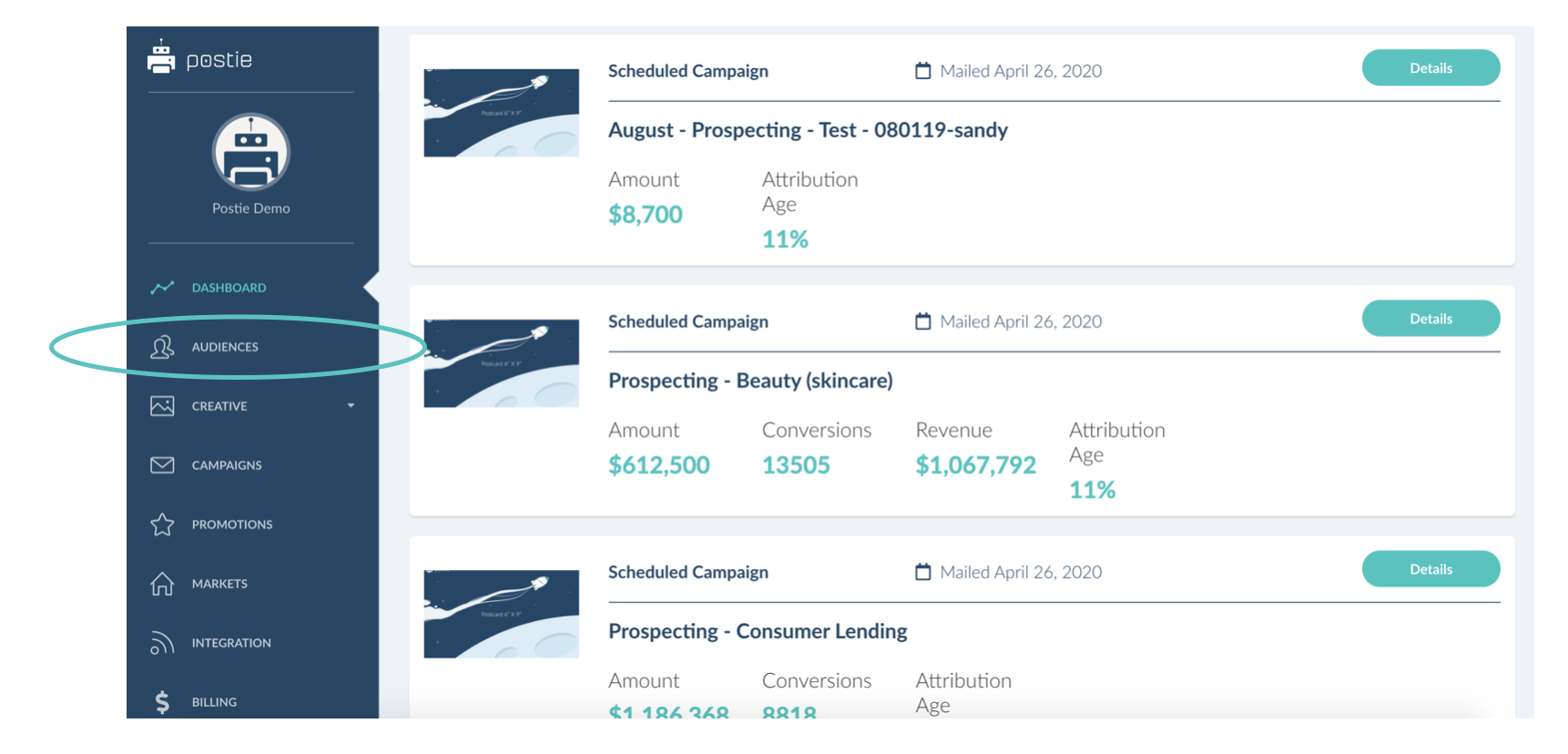
Step 2: Select "Audiences" in the left navigation
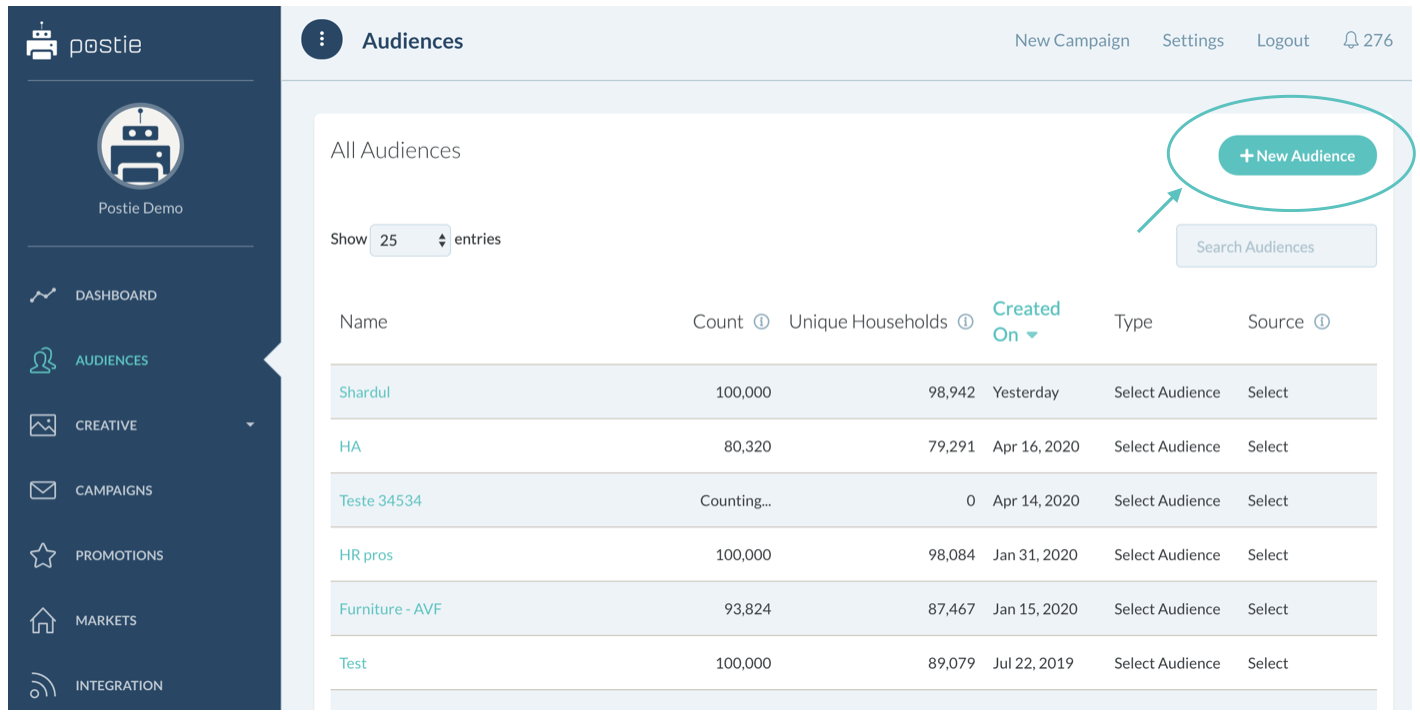
Step 3: Choose "New Audience" in the top right corner
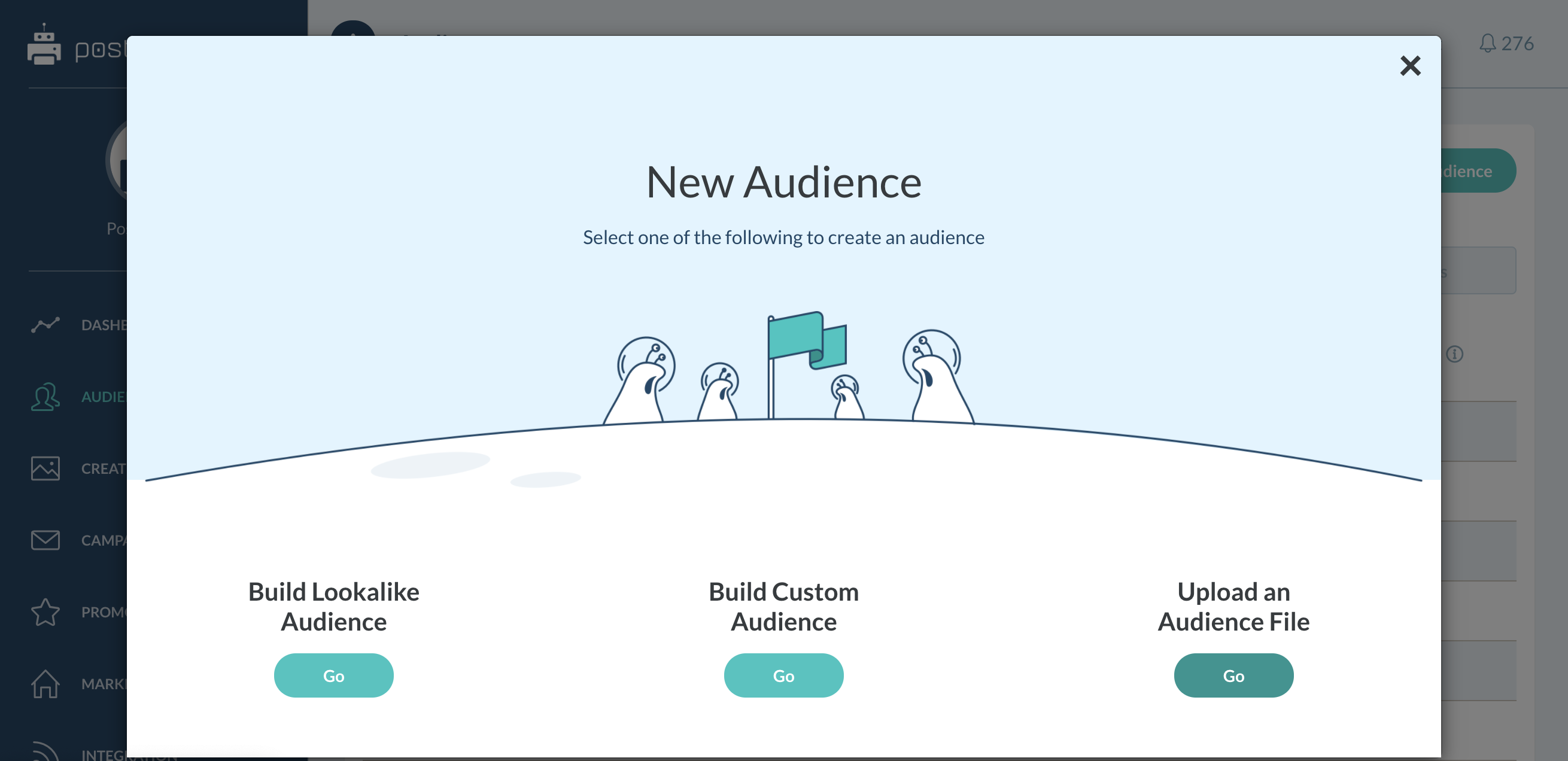
Step 4: Select "Upload an Audience File"
Step 5: Choose the audience file directly from your computer
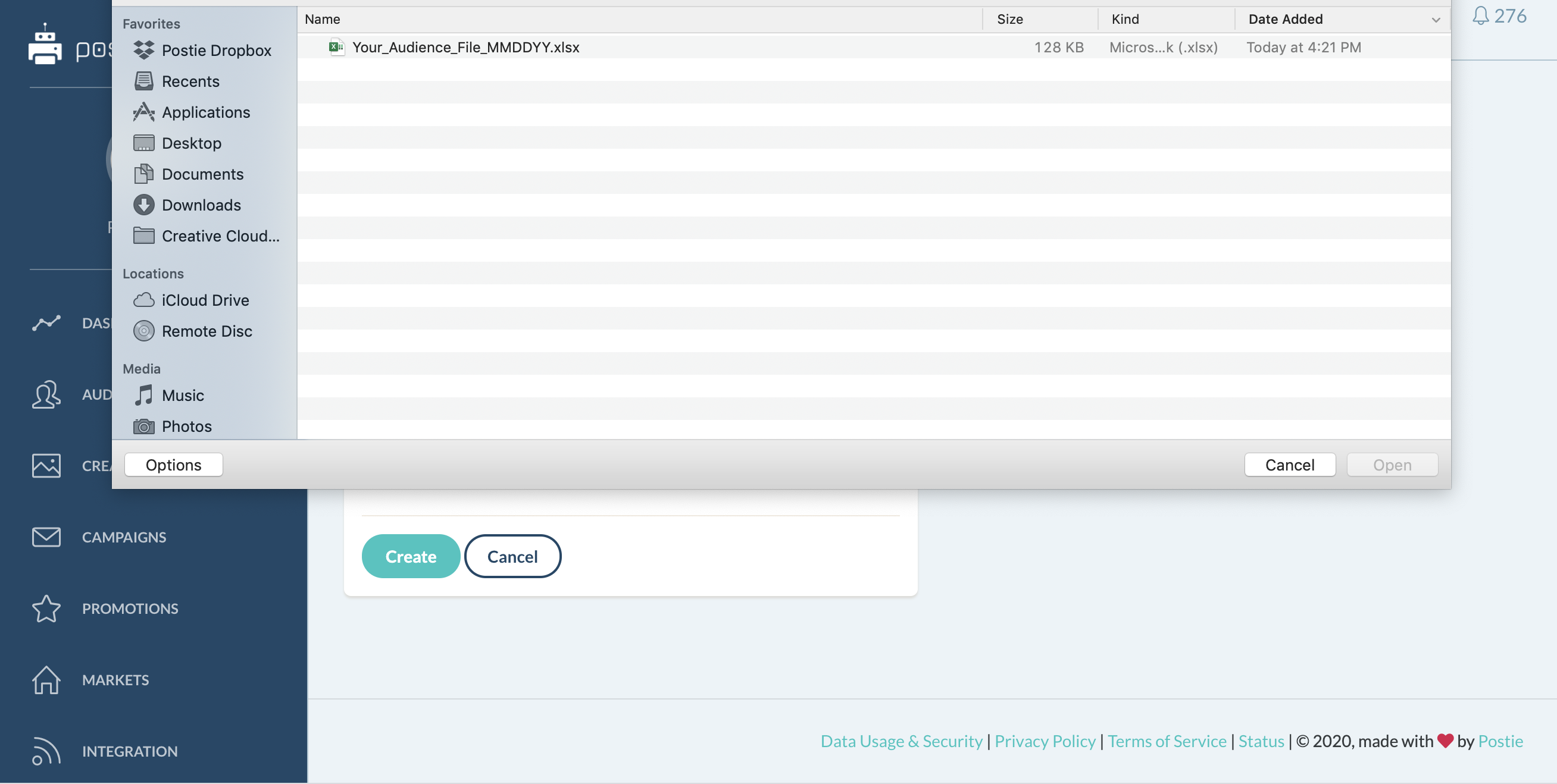
Step 6: Name this file with the exact nomenclature that the rest of your business uses.
This is going to make it very easy to find, whether it is within your campaigns, or you just need to find that audience to look at an audience portrait analysis
You also have the ability to download a sample CSV to see the correct parameters that are necessary for uploading any audience file into the Postie platform.
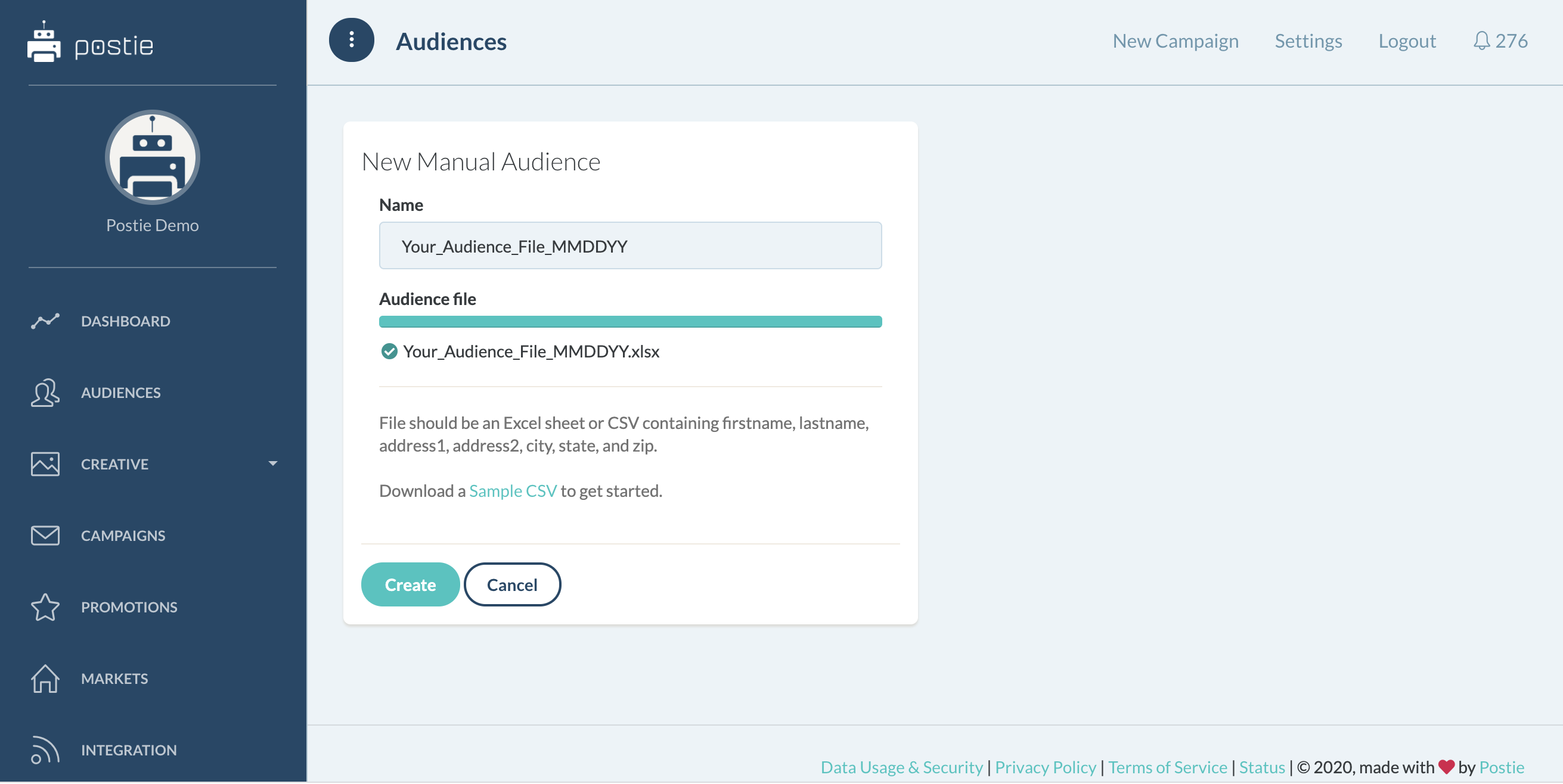
Step 7: Click "Create"
Step 8: Map the columns to the respective areas within the platform.
This allows for seamless USPS and CASSing validation; first name to first name, last name to last name, address 1 to address 1, address 2 to address 2, so on and so forth.
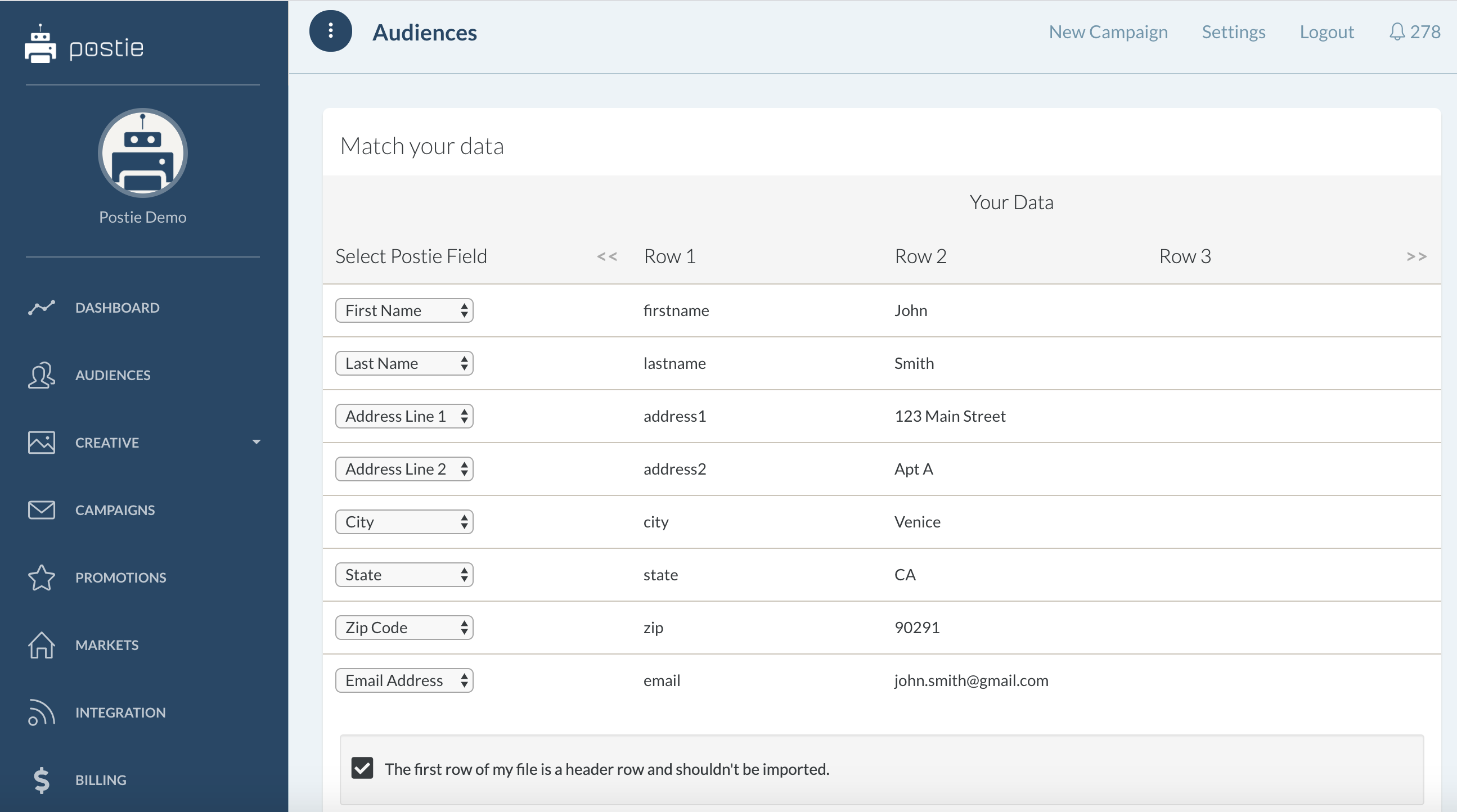
Step 9: If your first row of the file is a header row and should not be imported, please keep this box checked. If everything seems fine, click import.
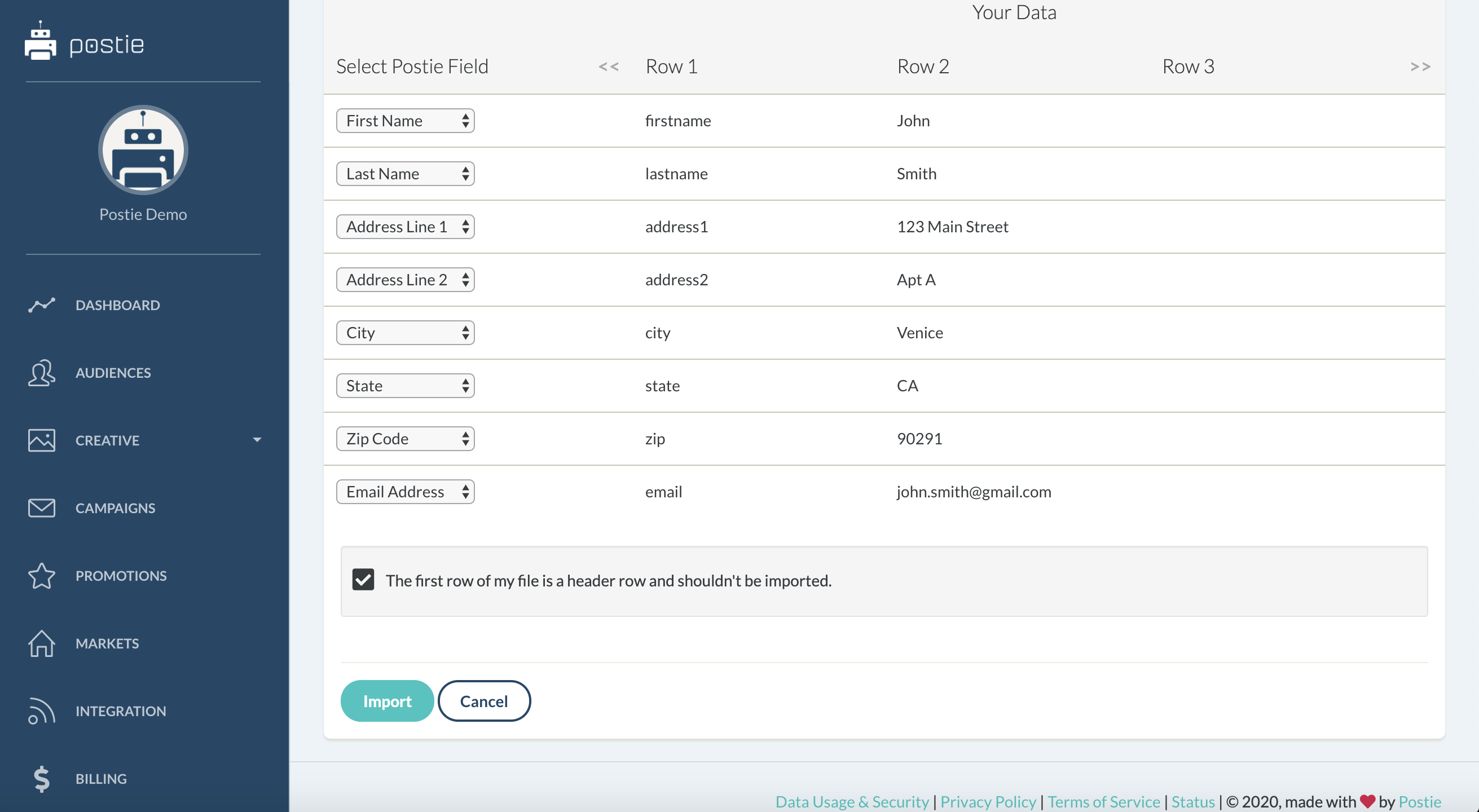
You have now successfully uploaded your first audience file. This process will take about 10 to 15 minutes dependent on the amount of data that you’ve imported. The larger the file, the longer it will take to go through the CASS and validation.