In the steps below you will be given the tools to be able to utilize any service that our interface allows.
In this video you’ll learn how to create a seed audience for you and your colleagues to receive production mailers for any and all campaigns.
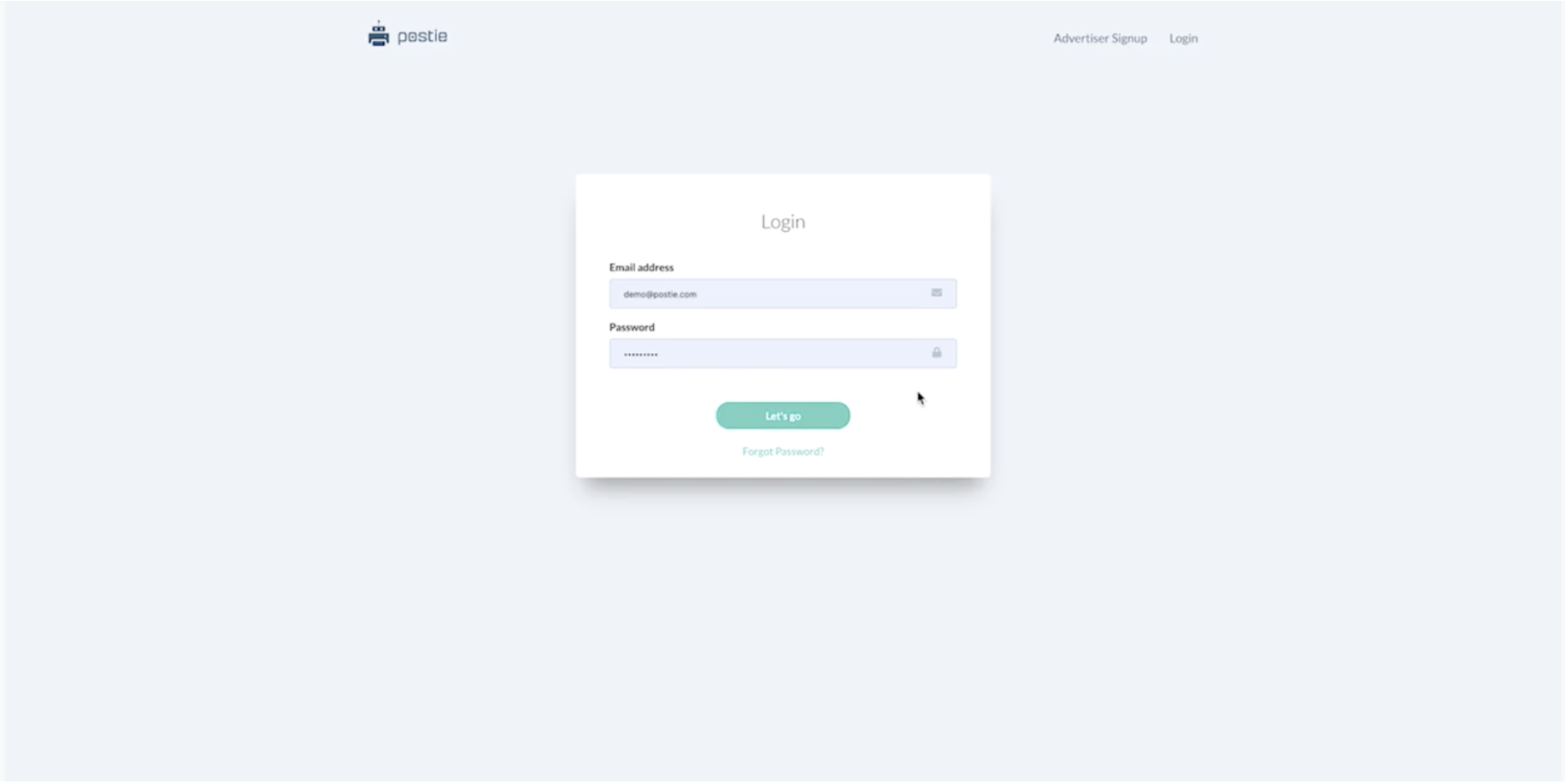
Step 1 - Login to the Postie Platform
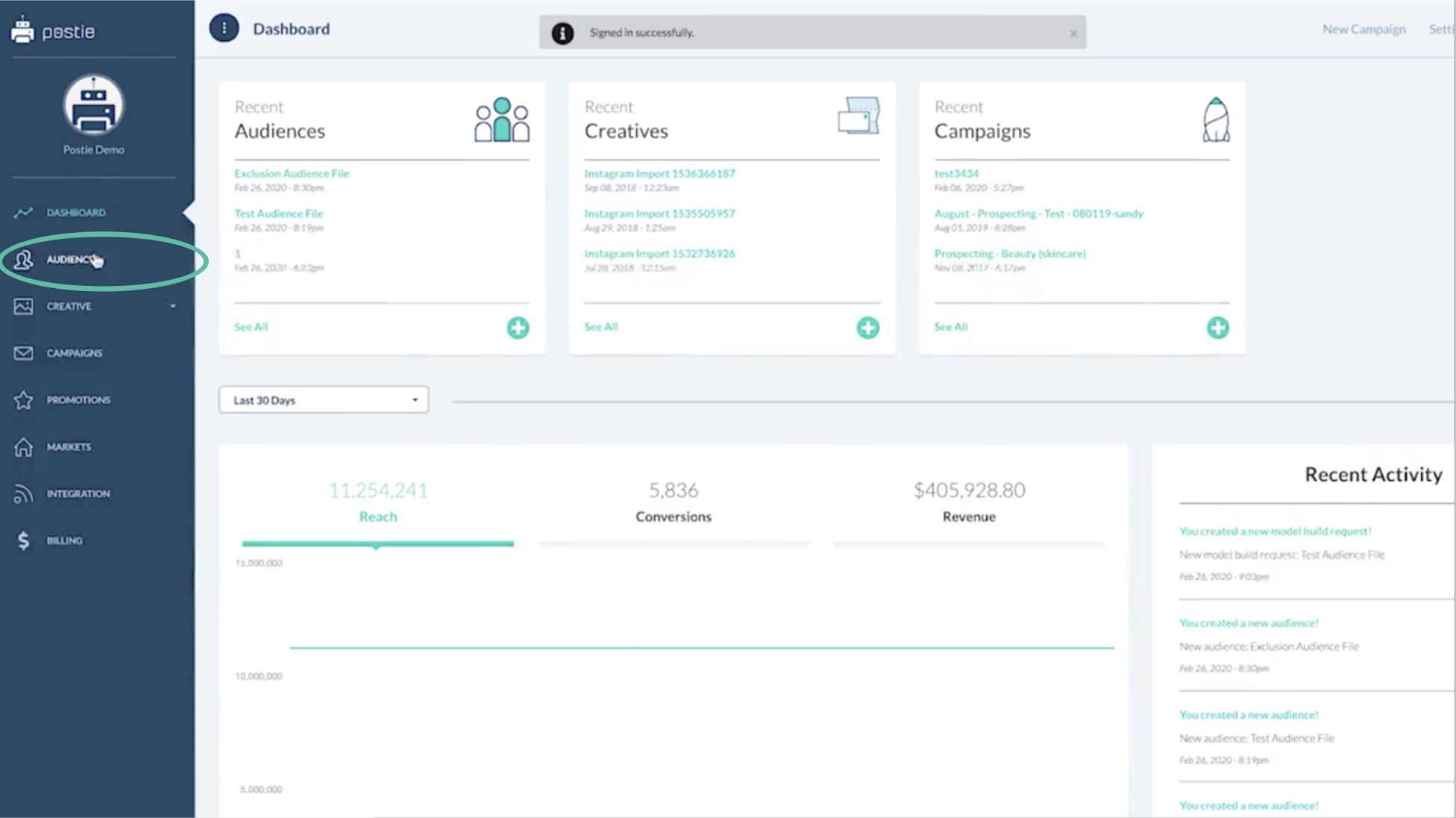
Step 2 - Select Audiences from the Left Nav
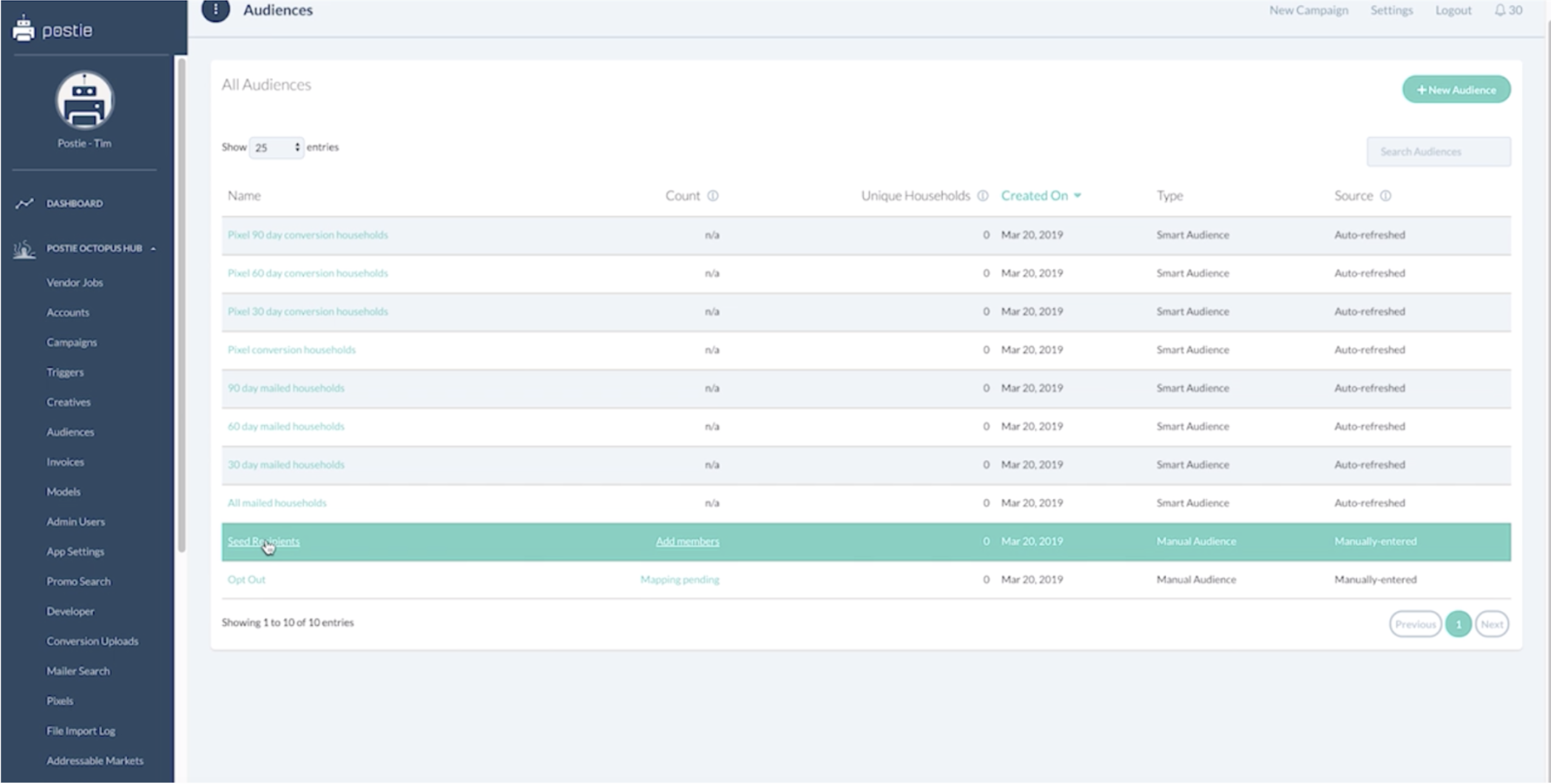
Step 3 - Scroll Down to Seed Recipients
Step 4 - Add New Audience Member
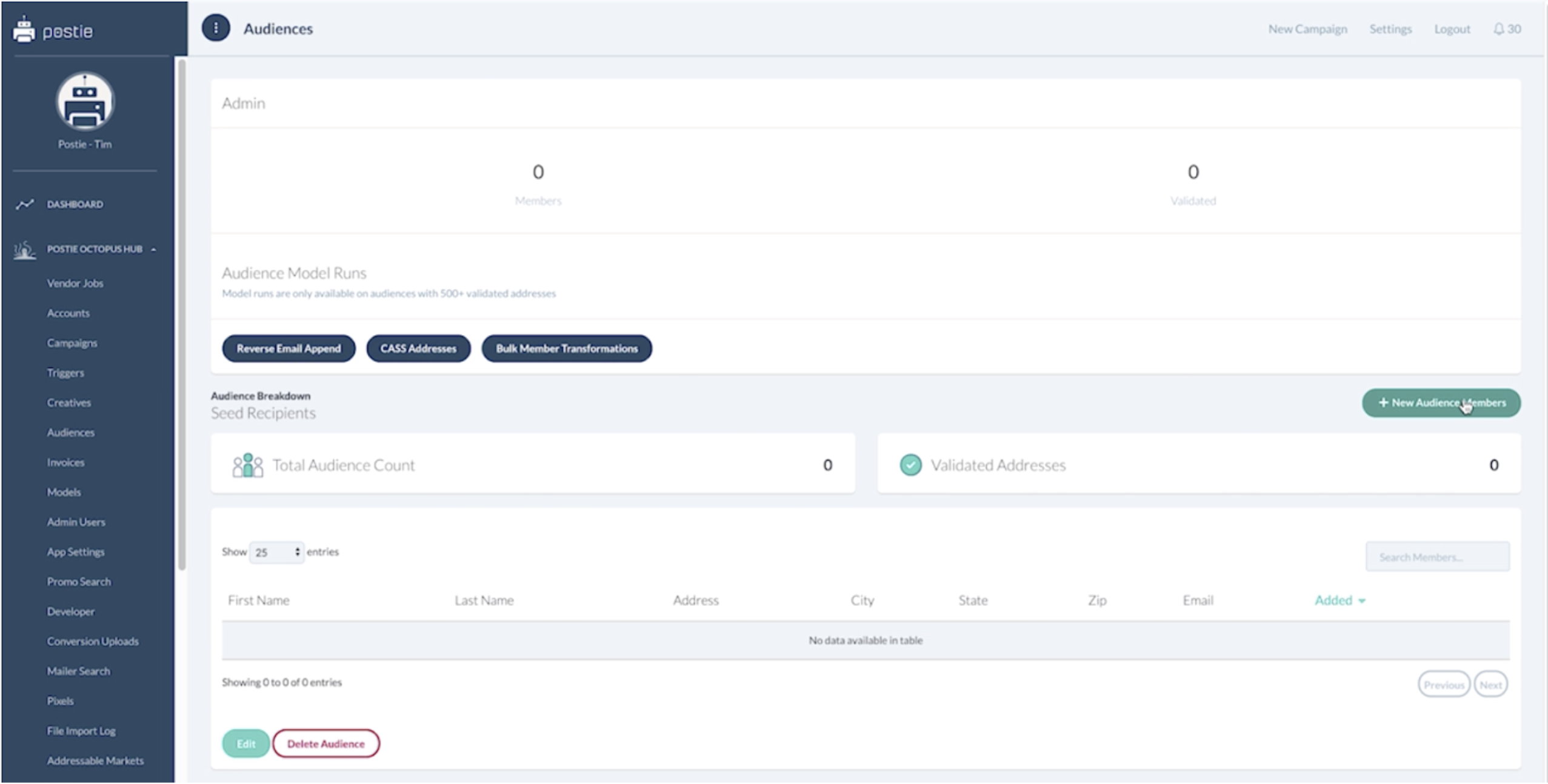
Step 5 - Enter the Data for the Individuals
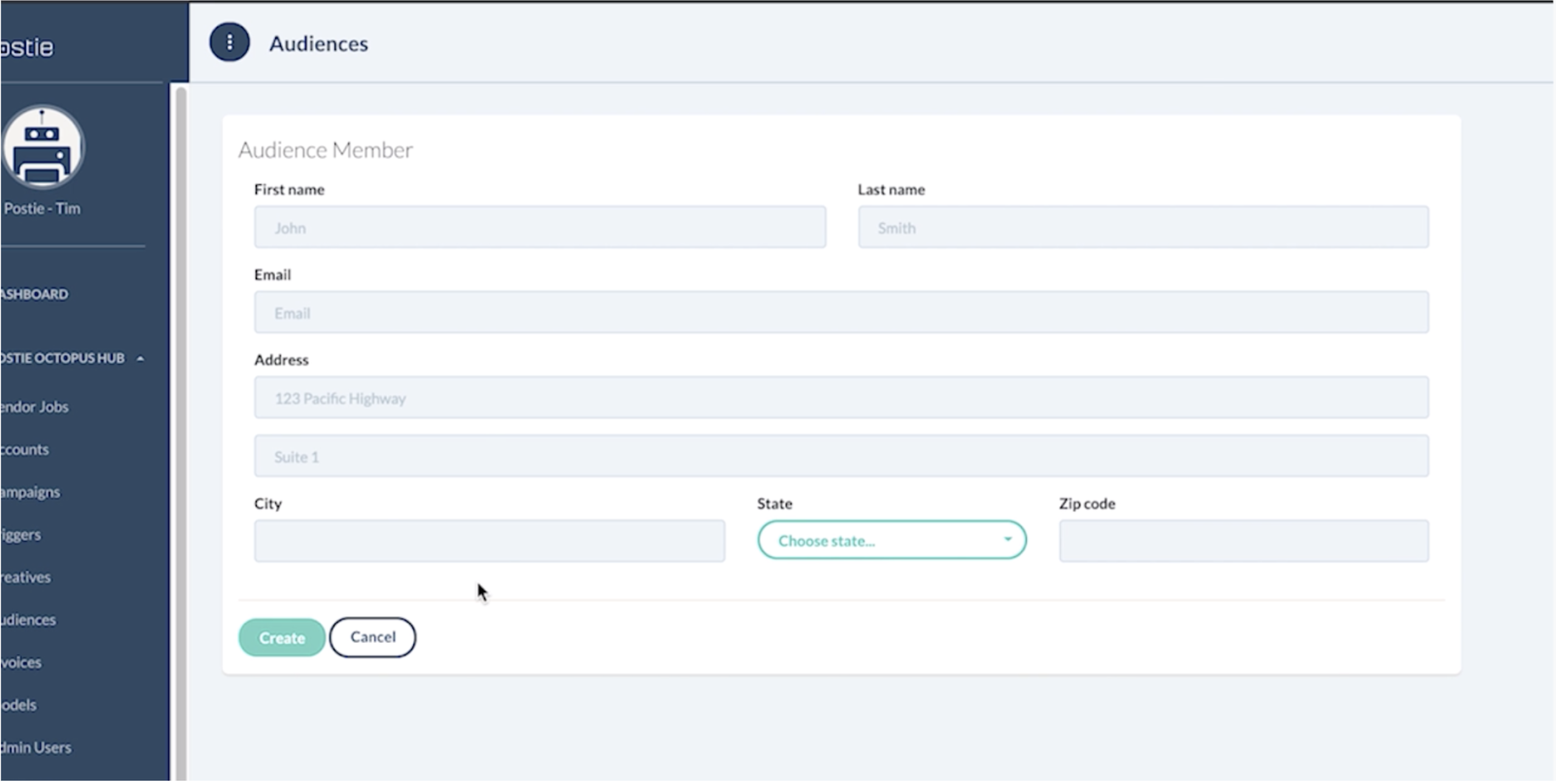
- This is where you will enter the data for the individuals that you would like to receive each and every production mailer
- Once all the data is entered press Create
You have now successfully added in your seed recipient or recipients. These will get automatically added to any and all campaigns and you will not pay for these out of your budget.